Home Blog

Robo Calls vs SMS vs Email Campaign: Which Channel Gets More Responses 

You have a list of leads. You have a message to deliver. But which channel do you use — robo call, SMS, or email?

Most businesses pick one channel and stick with it. Some send emails because it feels professional. Others run SMS campaigns because they heard open rates are high. A few use robo calls for mass outreach. But very few actually stop to ask: which channel is actually getting responses for my type of business?

This blog breaks down all three channels — robo call, SMS, and email — across the metrics that matter most: response rates, best use cases, cost efficiency, and when to use each one.By the end, you will know exactly which channel to lead with and how to combine all three for maximum outreach impact through a unified communication platform.

What Is a Robo Call Campaign?

A robo call campaign is an automated outbound call that delivers a pre-recorded or text-to-speech voice message to a list of contacts at a scheduled time. No agent is needed for delivery. The message plays automatically when the contact picks up.

Robo calls are used for appointment reminders, payment alerts, promotional announcements, event notifications, and mass outreach campaigns where speed and volume matter more than conversation.

Platforms like DialOn Cloud allow businesses to either upload a pre-recorded audio file or type a message that the system converts to speech and then deliver it to an entire contact group with a single campaign setup.

What Is an SMS Campaign?

An SMS campaign sends a bulk text message to a selected group of contacts at a scheduled time. SMS is direct, short, and lands in the same inbox as personal messages — which is exactly why it gets noticed.

SMS campaigns work well for flash sales, discount codes, event reminders, re-engagement messages, and any communication where a short, punchy message is enough to drive action.

With DialOn Cloud, SMS campaigns can be sent to segmented contact groups with full scheduling control, making it easy to time messages for maximum impact.

What Is an Email Campaign?

An email campaign sends a formatted message — with images, links, buttons, and branded content — to a list of contacts. Email allows more detail, more design, and more information than a call or text message can carry.

Email campaigns are used for product launches, newsletters, onboarding sequences, promotional offers, and nurturing leads over time. They work best when the message needs context, visuals, or a clear call to action link.

DialOn Cloud includes a built-in email campaign builder with scheduling and contact group targeting so teams can run email outreach from the same platform they use for calls and SMS.

Robo Call vs SMS vs Email: Head-to-Head Comparison

Open Rate and Response Speed

SMS wins on open rate. Industry data consistently shows SMS open rates sitting above 90 percent, with most messages read within three minutes of delivery. Robo calls get immediate attention when answered but face a drop in answer rates due to contact fatigue. Email open rates average between 20 and 30 percent depending on the industry, with responses taking hours or even days.

If speed of response matters, SMS is the strongest channel.

Message Length and Detail

Email wins when the message needs space. You cannot explain a product, share a case study, or walk someone through a process in a text message or a robo call. Email gives you the room to tell a full story, include visuals, add links, and guide the reader toward a decision.

If your message needs detail, use email.

Human Feel and Emotional Impact

Robo calls carry a voice, which creates a different kind of impact than text on a screen. A well-crafted robo call message can feel more personal than a bulk email or SMS, especially for reminders, alerts, and announcements where tone matters.

If you need to convey urgency or warmth, robo call does it better than text.

Cost Per Contact

All three channels are cost-effective at scale when using a platform with user-owned Twilio integration like DialOn Cloud. Because each business connects its own Twilio account, the cost of calls and messages is controlled by the user — not inflated by the platform. This makes high-volume campaigns significantly more affordable compared to platforms that bundle communication costs into their pricing.

Deliverability

SMS has the highest deliverability when sent to opted-in contacts. Email faces spam filters, promotions tabs, and inbox competition. Robo calls depend on answer rates, which vary by industry and time of day.

Which Channel Works Best by Industry?

Real Estate – Lead response time is everything in real estate. A robo call campaign announcing a new property launch gets immediate attention. Follow that with an SMS containing a link to the listing and a scheduled email with full property details and pricing. All three channels working together create a complete outreach sequence.

Healthcare and Clinics – Appointment reminders via robo call reduce no-shows significantly. SMS confirmations keep patients informed. Email works for health tips, newsletters, and post-visit follow-ups. Healthcare teams benefit most from using robo call and SMS together for time-sensitive communication.

E-Commerce and Retail – SMS is the strongest channel for flash sales and limited-time offers. Email handles product launches, seasonal campaigns, and loyalty program updates. Robo calls can re-engage lapsed customers with a short, friendly reminder about an ongoing offer.

Financial Services – EMI reminders, policy renewal alerts, and payment due notices perform well as robo calls because the message is short, clear, and requires immediate attention. SMS reinforces the call with a quick follow-up. Email handles detailed documentation, policy updates, and onboarding communication.

EdTech and Education – Admission campaign outreach benefits from all three channels. Robo calls reach prospective students at scale. SMS keeps counsellors and students connected with quick updates. Email nurtures leads with course details, fee structures, and success stories over time.

When to Use Each Channel 

Use robo call when you need to reach a large number of contacts quickly with a single, clear message — reminders, alerts, announcements, and re-engagement campaigns.

Use SMS when you need fast, direct communication that demands a response — confirmations, offers, follow-ups, and time-sensitive updates.

Use email when your message needs detail, design, or a journey — product education, onboarding, newsletters, and long-term nurturing.

The strongest outreach strategies do not rely on one channel. They use all three in sequence — a robo call to create awareness, an SMS to prompt action, and an email to provide detail and closure.

Why Multi-Channel Outreach Outperforms Single-Channel Every Time

Contacts rarely respond to the first touchpoint. Studies on outreach consistently show that response rates increase significantly when the same message is delivered across multiple channels. A contact who ignores a robo call may respond to an SMS. A contact who misses an SMS may open an email.

Running all three campaigns from a single platform removes the coordination problem. With DialOn Cloud, robo call, SMS, and email campaigns are all managed from one unified interface — same contact groups, same scheduling system, same logs. Teams do not need to switch between tools, reconcile data, or worry about a contact being missed across channels.

Ending Thoughts

Robo call, SMS, and email are not competing channels. They are complementary tools that work best when used together. The businesses that get the highest response rates are not the ones that pick one channel and ignore the rest, they are the ones that use all three strategically, at the right time, with the right message.

DialOn Cloud brings all three channels into one platform so your team spends less time managing tools and more time having conversations that convert.

One platform. Every channel. Zero complexity.

Frequently Asked Questions

1.Which has a higher open rate – robo call, SMS, or email?

    SMS has the highest open rate, consistently above 90 percent. Email averages between 20 and 30 percent. Robo calls depend on answer rates which vary by industry and time of day.

    2. Can I run robo call, SMS, and email campaigns from one platform?

    Yes. DialOn Cloud allows businesses to manage all three campaign types from a single cloud-based interface with shared contact groups, scheduling, and unified logs.

    3.What is the most cost-effective outreach channel?

    All three channels are cost-effective at scale. Using a platform with user-owned Twilio integration gives businesses direct control over their per-message and per-call costs without platform markups.

    4.Which channel is best for appointment reminders?

    Robo call is the most effective channel for appointment reminders because it delivers an immediate, audio message that is hard to ignore. SMS works well as a follow-up confirmation.

    5.How do I choose the right channel for my business?

    Match the channel to the message type. Use robo call for alerts and announcements, SMS for fast responses and confirmations, and email for detailed communication and nurturing. For maximum impact, use all three in a coordinated sequence.
    Top Auto Dialer Software for Small Businesses -Affordable Picks for 2026

    0

    If your sales team is still dialing numbers manually, you are leaving serious revenue on the table. Studies show that auto dialer software can boost agent talk time by 50%  meaning your team could triple its outreach without adding a single person. In a world where speed-to-lead wins deals, small businesses simply cannot afford to move slowly.

    But with dozens of options in the market, choosing the right auto dialer is overwhelming. Should you go with a simple power dialer or a full predictive dialing suite? Do you need AI-powered lead scoring? What about CRM integrations and compliance tools?

    We did the research for you. This guide covers the 7 best auto dialer software solutions for small businesses with honest pros, cons, pricing, and a clear recommendation for who each tool is best suited for.       

    What Is Auto Dialer Software? 

    Auto dialer software automatically dials a list of phone numbers, filters out busy signals, unanswered calls, and voicemails, and only connects your agent when a real person picks up. This eliminates idle time between calls and dramatically increases the number of live conversations your team has per day.

    The best auto dialers go far beyond simple dialing. They come equipped with:

    • AI-powered lead prioritization
    • CRM integrations (HubSpot, Salesforce, Zoho, Pipedrive)
    •  Multi-mode dialing: Preview, Progressive, Power, and Predictive
    • Voicemail drop to save time on unanswered calls
    • Call recording and real-time analytics
    • Compliance tools for TCPA, GDPR, and local regulations 

    Why Small Businesses Need Auto Dialer Software 

    • The global predictive dialer market is projected to reach $542.7 million by 2025, growing at 9.2% annually
    • Sales agents manually dialing calls average just 10–15 minutes of actual talk time per hour
    • Auto dialers push that to 40–50 minutes per hour; a 3x improvement
    • 88% of customers prefer talking to a live agent, making efficient call connection critical
    • 28% of companies are already deploying AI-based dialing strategies – your competitors may already be ahead

    For small businesses where every sales rep counts, these numbers are not just impressive but they are decisive as well.

    Top 7 Auto Dialer Software for Businesses

    1. JustCall

    Best for Multi-Channel Sales Teams

    Auto Dialer Software

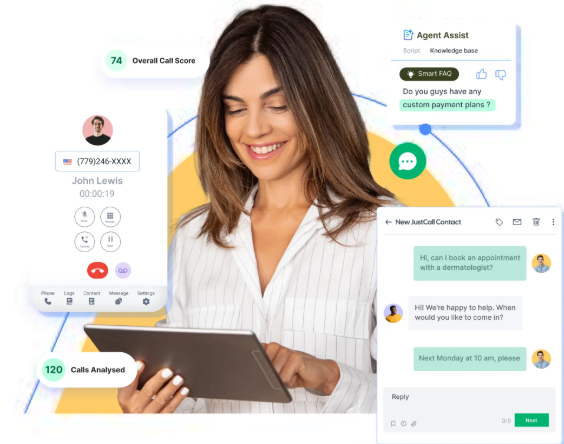
    What is it? JustCall is a modern cloud phone system that goes beyond just calls. It brings voice, SMS, WhatsApp, and email together in one place, making it a solid choice for teams that communicate across multiple channels.

    Why is it used? Sales and support teams don’t just call anymore, they text, email, and message too. JustCall lets you manage all of that from a single dashboard without switching tabs constantly.

    How is it used? Teams connect JustCall to their CRM (like HubSpot or Salesforce), set up calling queues, and run outbound campaigns. SMS and WhatsApp follow-ups can be automated after calls. Managers get clean analytics to track team performance.

    Pros

    • Voice, SMS, WhatsApp, and email in one platform
    • Strong CRM integrations
    • Clean and easy-to-use interface

    Cons

    • Costs can add up with multiple add-ons
    • Setup and customization take some time

    Who can use it? Sales teams, customer support teams, and businesses that run outbound campaigns alongside inbound support — especially those already using HubSpot or Salesforce.

    2. PhoneBurner

    Best for High-Volume Power Dialing

    sales auto dialer software

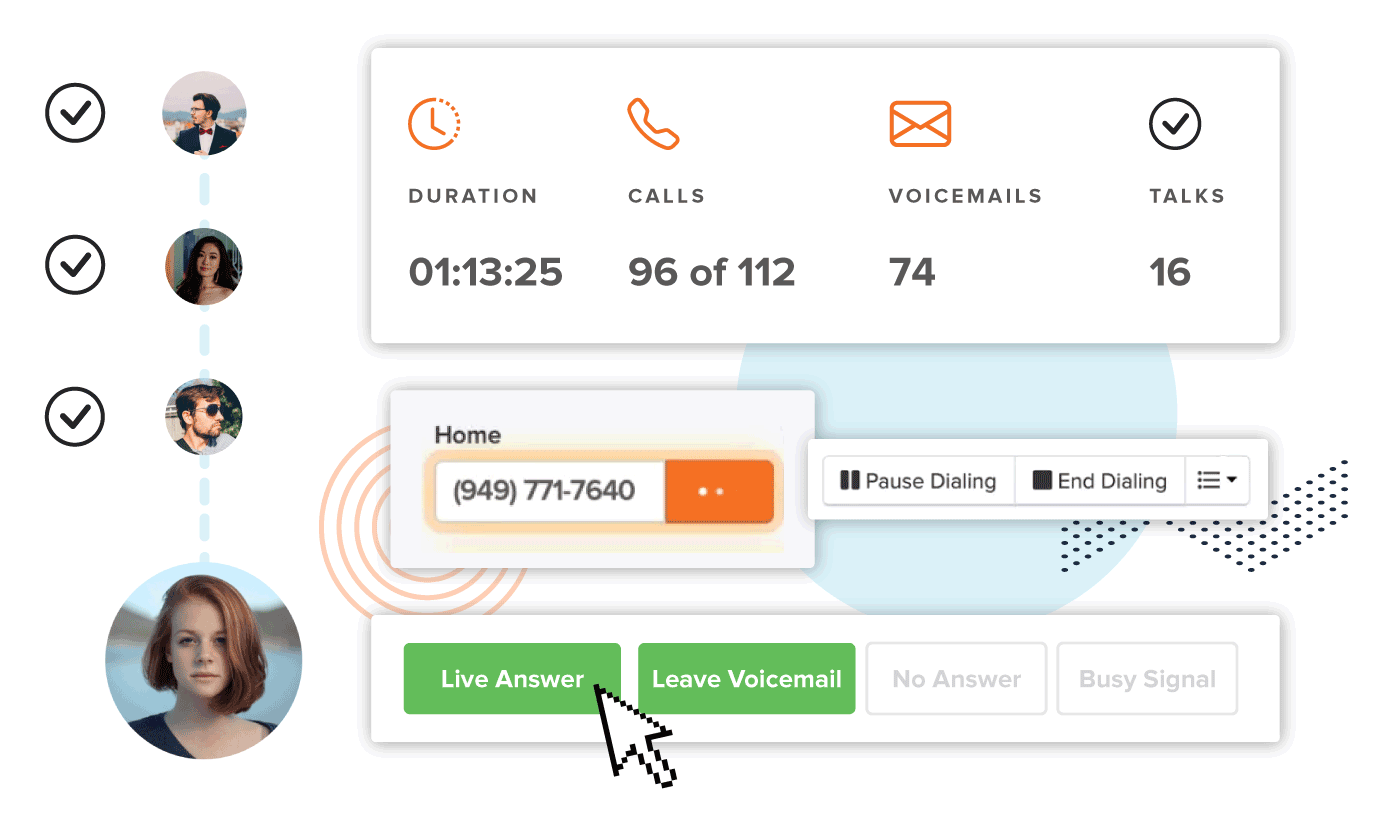
    What is it? PhoneBurner is a power dialer built for speed. It’s designed for teams that need to make hundreds of calls a day without wasting time on busy signals, voicemails, or connection delays.

    Why is it used? Cold calling is a numbers game. PhoneBurner helps reps move through contact lists fast, dropping voicemails automatically and jumping to the next call instantly ,no dead air, no waiting.

    How is it used? You upload your leads, hit dial, and PhoneBurner handles the rest. When someone picks up, you’re already connected. It also automates post-call emails and tracks your workflow so nothing falls through the cracks.

    Pros

    • Zero connection delays between calls
    • Excellent for cold-calling campaigns
    • Built-in email and workflow automation

    Cons

    • Pricing can be steep for small Indian startups
    • Limited features for inbound calls

    Who can use it? High-volume outbound sales teams, cold callers, lead generation agencies, and anyone whose entire job is dialing through large contact lists quickly.

    3. DialOnCloud

    Best All-in-One Cloud Dialer for Growing Indian SMBs

    auto dialer software

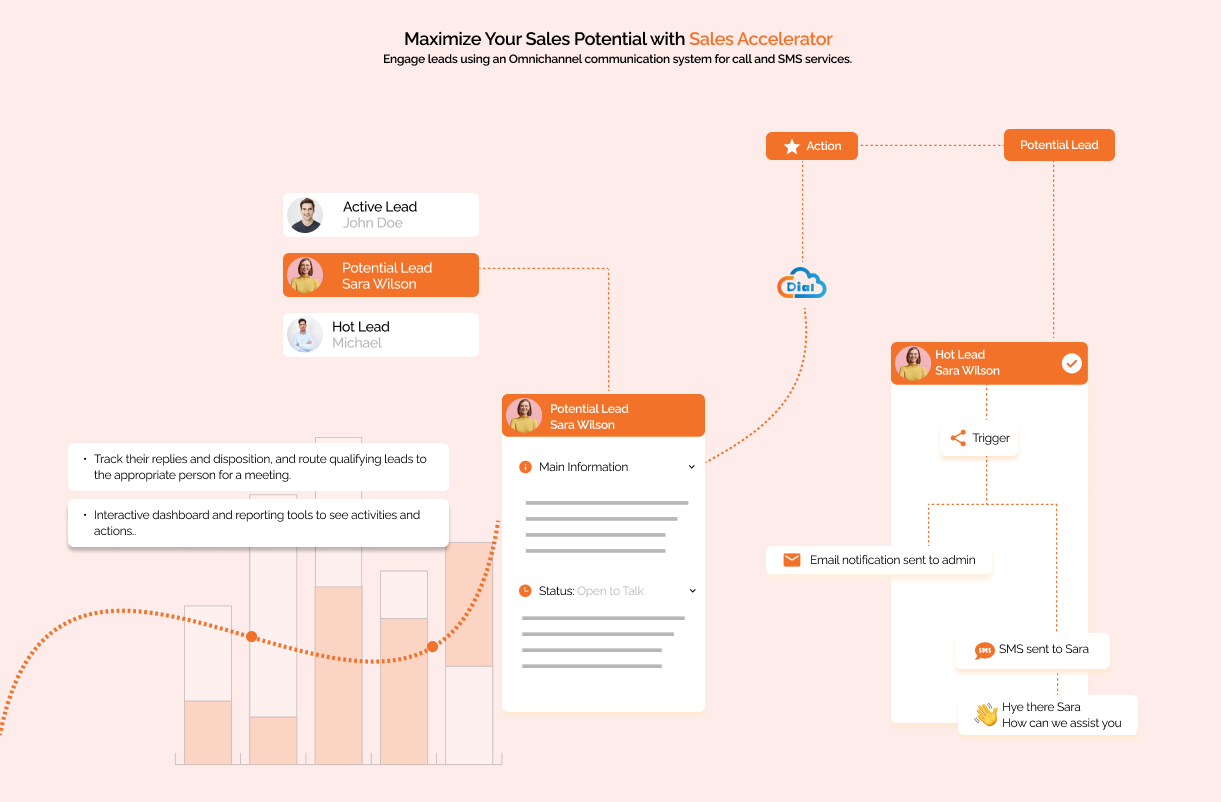
    What is it? DialOnCloud is a cloud-based auto dialer built with Indian businesses in mind. It bundles calling, CRM, and automation into one platform so you don’t need to manage five different tools just to make sales calls.

    Why is it used? Indian SMBs need something affordable that actually understands local telecom rules and pricing. Most global tools feel like overkill – DialOnCloud keeps it simple and relevant for the Indian market.

    How is it used? You upload your contact list, set up a calling campaign, and the system starts dialing automatically. Agents get connected only when someone picks up. The built-in CRM logs every call, and managers can track performance through a live dashboard.

    Pros

    • India-focused pricing and compliance
    • Built-in CRM with call automation
    • Quick and easy onboarding
    • Great for startups scaling up

    Cons

    Limited AI analytics compared to global tools

    • UI feels a bit dated on premium features

    Who can use it? Indian startups, small sales teams, inside sales reps, and any business that wants an affordable, ready-to-go cloud calling setup.

    4. Aircall

    Best CRM-First Smart Dialer

    auto dialer

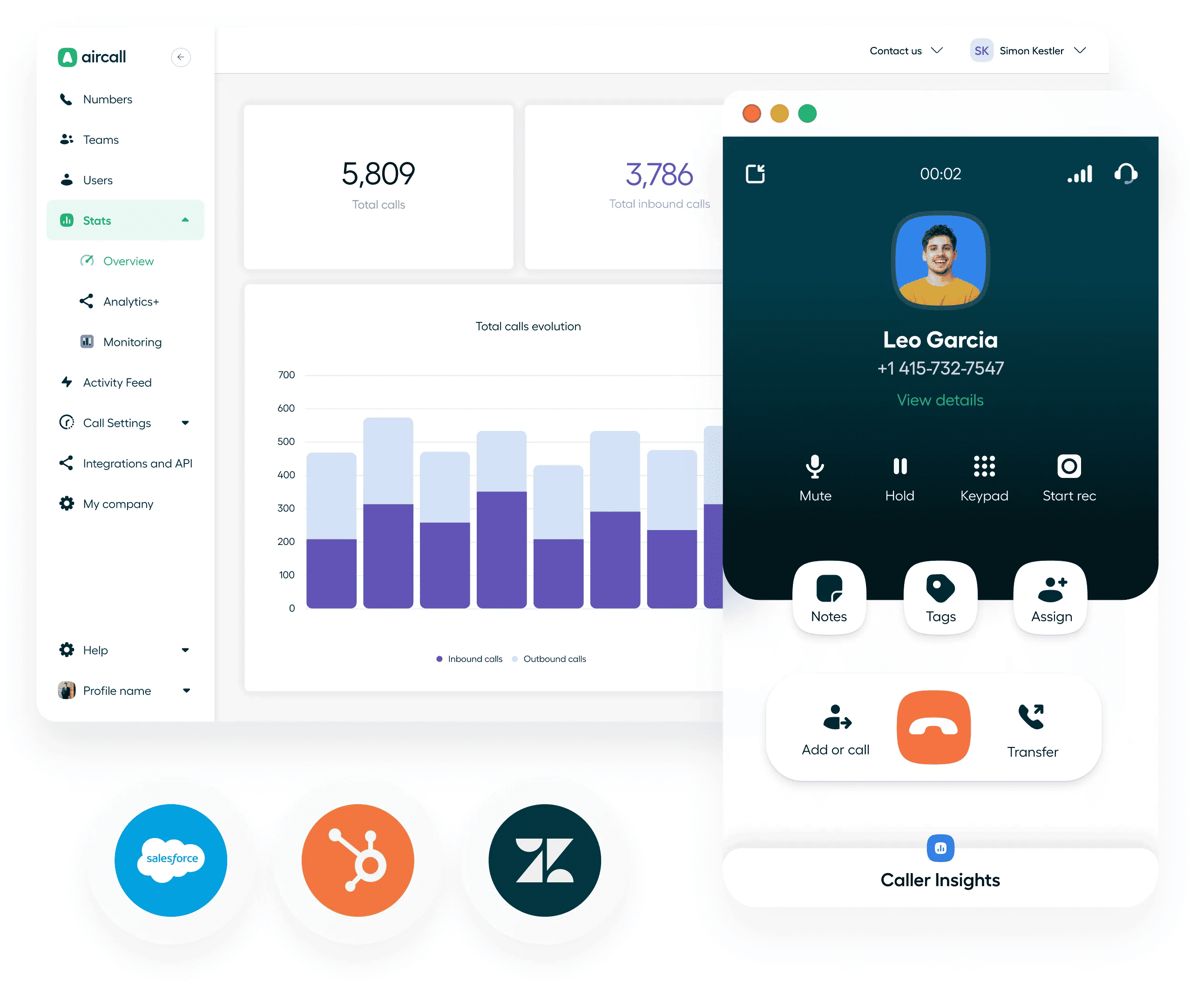
    What is it? Aircall is a smart cloud phone system that’s deeply integrated with CRMs and business tools. It’s polished, professional, and designed for teams that already live inside tools like Salesforce, HubSpot, or Intercom.

    Why is it used? When your team’s entire workflow lives in a CRM, your calling tool needs to plug right into it. Aircall syncs calls, notes, and data automatically ; no manual logging, no copy-pasting.

    How is it used? Agents make calls directly from their CRM. Every call is recorded, tagged, and logged automatically. Managers can monitor live calls, whisper to agents, or jump in when needed. Analytics help teams spot patterns and improve performance.

    Pros

    • Deep CRM syncing and automation
    • Strong call monitoring and analytics
    • Very polished and intuitive user experience

    Cons

    • Expensive compared to SMB-focused tools
    • Needs a stable internet connection for best performance

    Who can use it? Marketing teams, sales teams, and customer success teams that are already running a CRM-driven workflow and want their calling to be fully integrated.

    5. RingCentral

    Enterprise-Grade Reliability for SMBs

    Ring Central

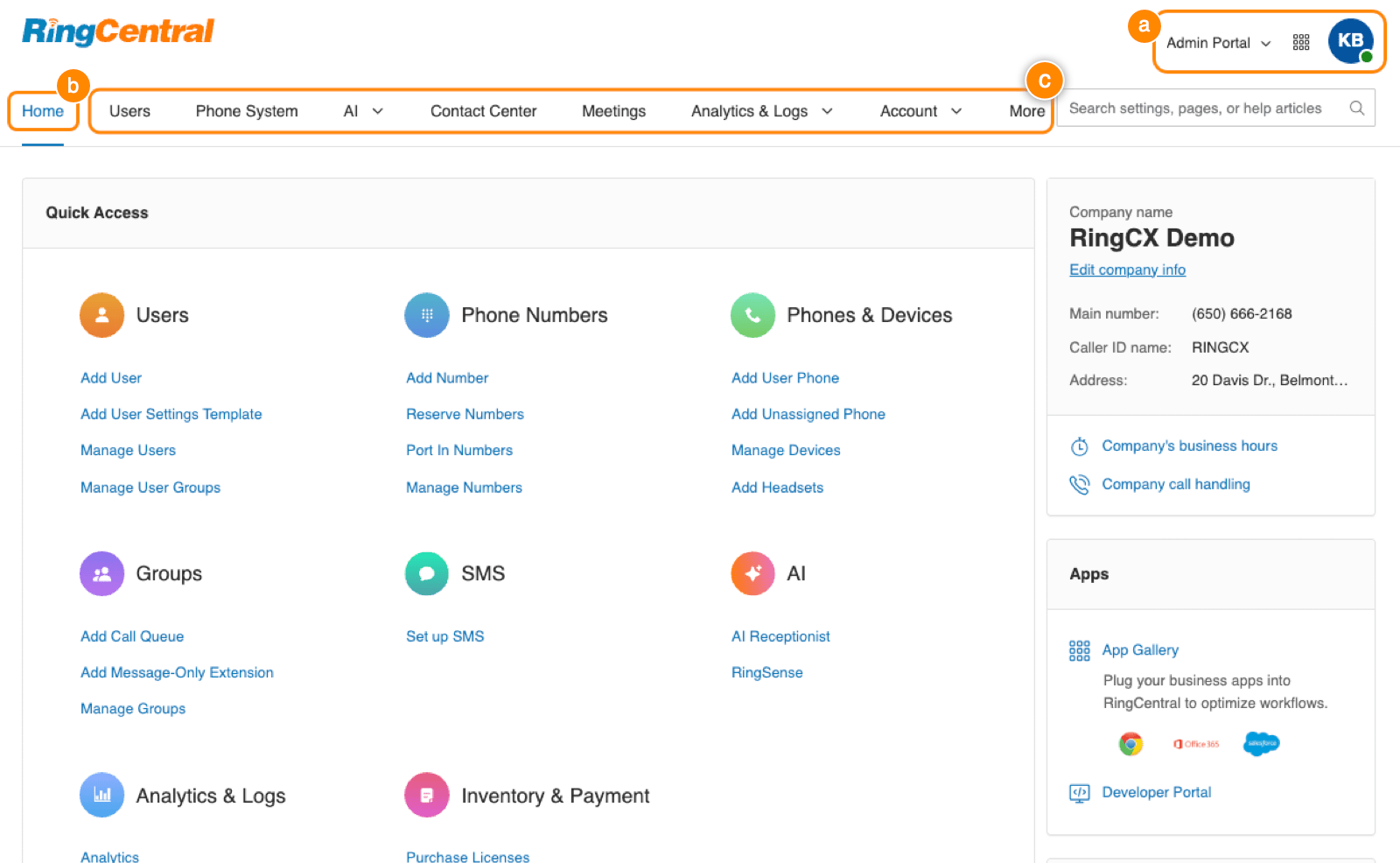
    What is it? RingCentral is one of the most established names in business communication. It’s a full-suite platform covering calls, video, messaging, and more – built on infrastructure that large enterprises trust.

    Why is it used? When your business can’t afford downtime and needs everything – calling, conferencing, team messaging – under one roof, RingCentral delivers that reliability at scale.

    How is it used? Teams use RingCentral for internal communication, customer calls, and video meetings all from one app. Admins manage users, permissions, and call routing from a central dashboard. It scales easily as your team grows

    Pros

    • Highly reliable and enterprise-grade infrastructure
    • Full business communication suite in one place
    • Scales easily as the company grows

    Cons

    • Can be overkill for very small teams
    • Pricing tiers are complex and can get confusing

    Who can use it? Mid-sized to large businesses, companies focused on long-term scalability, and teams that need one dependable platform for all their communication needs.

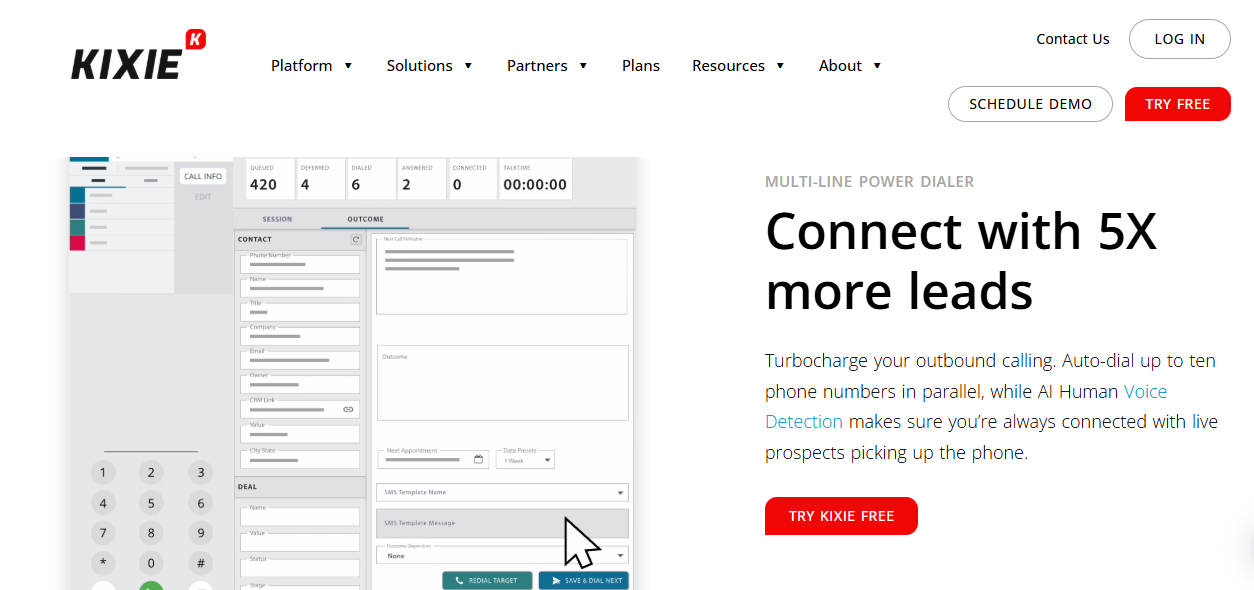
    6. Kixie PowerCall

    Best for Local Presence Dialing

    Auto dialer

    What is it? Kixie PowerCall is an auto dialer focused on one smart trick – showing a local number when you call. People are far more likely to pick up a call from a local number than an unknown one, and Kixie banks on that insight.

    Why is it used? Connect rates are everything in outbound sales. If no one picks up, nothing else matters. Kixie’s local presence dialing boosts answer rates by making calls look familiar to the person receiving them.

    How is it used? Agents dial through their CRM or Kixie’s dashboard. The system automatically selects a local caller ID based on where the contact is located. Automation workflows handle follow-ups, and CRM integrations keep data synced in real time.

    Pros

    • Boosts pickup rates with local caller IDs
    • Strong automation and workflow features
    • Good CRM integrations

    Cons

    • Takes some time to learn for new users
    • Pricing grows quickly as team size increases

    Who can use it? Outbound sales teams, SDRs, and any business that makes a high volume of cold calls and wants to improve how many people actually pick up.

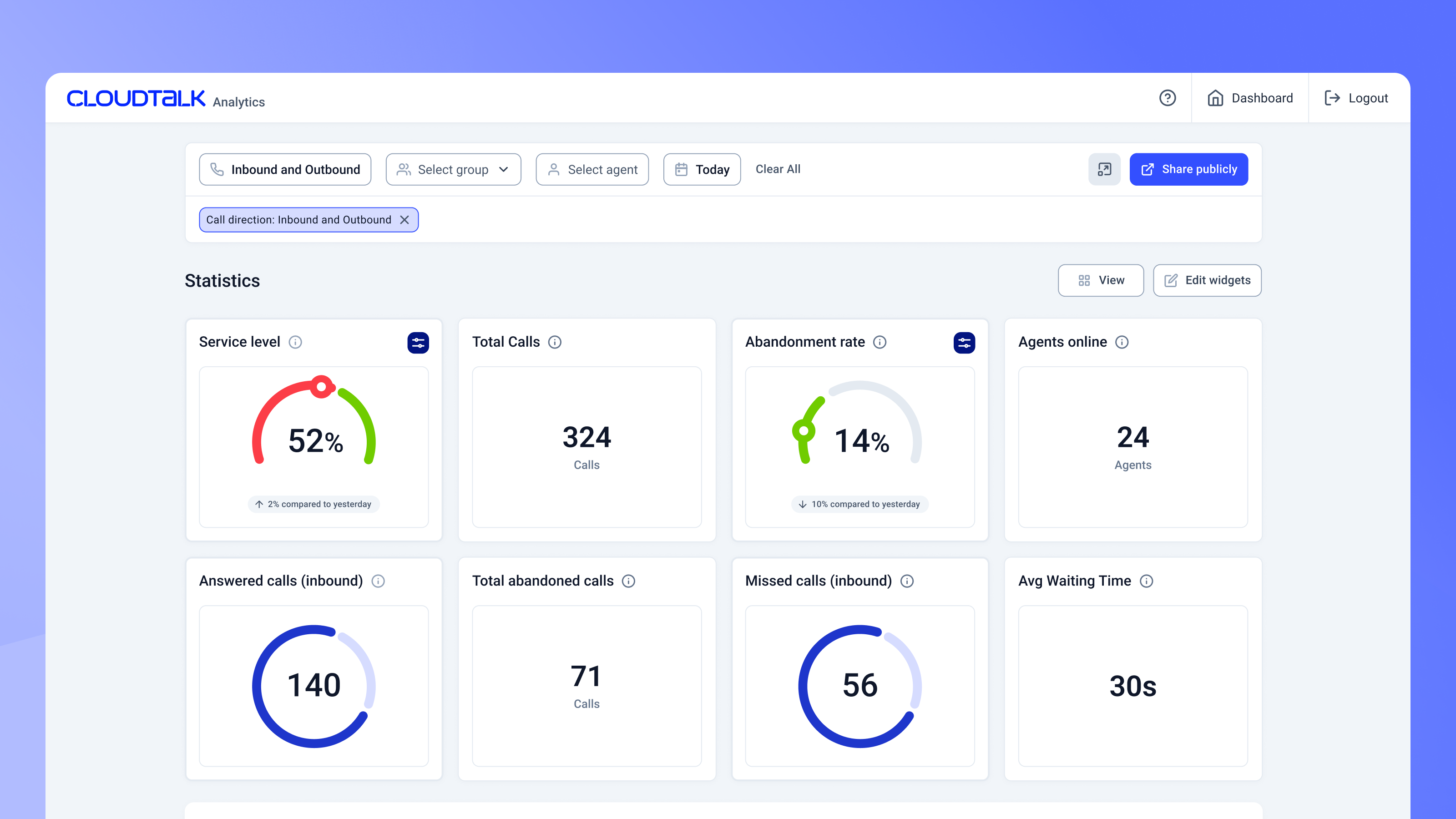
    7️. CloudTalk

    Best for Global or Multi-Country Operations

    dialer

    What is it? CloudTalk is a cloud call center solution built for businesses operating across multiple countries. It offers international phone numbers, smart call routing, and AI-powered analytics — all from one platform.

    Why is it used? When your team or your customers are spread across different countries, you need a tool that handles international calling smoothly without technical headaches. CloudTalk makes that manageable.

    How is it used? Businesses set up local numbers in the countries they operate in, configure smart routing rules, and manage all calls through a central dashboard. AI analytics help teams understand call patterns and improve outcomes over time.

    Pros

    • International numbers across many countries
    • AI call analytics and smart routing
    • Strong integrations ecosystem

    Cons

    • Advanced features are locked behind higher-priced plans
    • Can be more than what small local teams actually need

    Who can use it? Global businesses, BPOs, SaaS companies with international customers, and any team managing calls across multiple countries or time zones.

    Bonus Tools (Quick Insight)

    These aren’t always traditional auto-dialers but are worth noting:

    • GoHighLevel – Strong for agencies needing CRM + automation + dialer.
    • GoDial -Simple SIM-based calling, beginner-friendly.
    • Calley – Free mobile auto-dialer; great for budget startups.
    • Exotel –  India-focused cloud telephony with APIs.
    • Zoom Auto Dialer – Useful if your team already uses Zoom.

    Not every auto dialer is built for every business. Here is a simple framework to help you in your decision:

    1. Define Your Primary Goal

    • High call volume with speed -> Phone Burner or DialOn Cloud
    • Multi-channel outreach (calls + SMS + WhatsApp) ->Just Call
    • CRM-first workflow -> Aircall
    • International calling on a budget -> Cloud Talk
    • Low answer rates / local presence -> Kixie PowerCall
    • Scaling into enterprise -> RingCentral

    2. Consider Your Team Size

    Predictive dialers require a minimum of 8–10 agents to work efficiently (they dial multiple lines at once). For teams under 8 people, a power dialer like PhoneBurner, DialOnCloud, or Aircall is a better fit.

    3. Check Your CRM Integration Needs

    If your entire sales process lives in a CRM, prioritize tools like JustCall (100+ integrations), Aircall (deep native sync), or Kixie (HubSpot/Salesforce specialists). A dialer that does not talk to your CRM is a dialer that creates double work.

    4. Factor In Compliance Requirements

    If you are calling customers in the US, TCPA compliance is non-negotiable. Calling in Europe means GDPR rules apply. Most tools on this list include compliance features, but verify this matches your specific geography before signing up.

    5. Always Start with a Free Trial

    Every software on this list offers a free trial. Use it. Test call quality on your actual network, train one rep on the interface, and check how it integrates with your existing tools before committing to an annual plan.

    Conclusion

    Choosing the right auto dialer software depends on your team size, goals, and budget. Whether you need simple power dialing or advanced AI analytics, the tools listed here help small businesses increase talk time, improve outreach, and close more deals faster. Start with a free trial, test integrations, and pick a solution that grows with your business.

    Frequently Asked Questions

    What is the difference between a power dialer and a predictive dialer?

    A power dialer calls one number at a time and waits for the agent to finish before moving to the next. A predictive dialer uses AI to call multiple numbers simultaneously, predicting when agents will be free. Power dialers are better for small teams (under 8 agents). Predictive dialers are more efficient for larger call centers with 10+ agents.

    Is auto dialer software legal for small businesses?

    Yes, but with conditions. In the US, you must comply with TCPA regulations which generally require prior written consent before using an auto dialer to contact someone. In Europe, GDPR applies. The tools listed here include compliance features, but always consult a legal advisor for your specific situation and geography.

    Can I use an auto dialer with my existing CRM?

    Yes. All seven tools on this list integrate with popular CRMs. JustCall and Aircall offer the widest integration libraries (100+ tools each). DialOnCloud includes its own built-in lead management that works alongside external CRMs.

    How much does auto dialer software cost?

    Pricing varies widely. Entry-level tools may start around $20–$40 per user/month, while advanced AI dialers with analytics and integrations can exceed $100+ per user/month depending on features and call volume.

    What features should small businesses look for in auto dialer software?

    Small businesses should focus on features that improve productivity without adding complexity. The most important ones include multi-mode dialing (power or predictive), voicemail drop, call recording, analytics dashboards, and easy setup. CRM sync, local compliance tools, and automation workflows are also useful if your team plans to scale.

    Omnichannel Integration: Creating Seamless Customer Experiences

    0

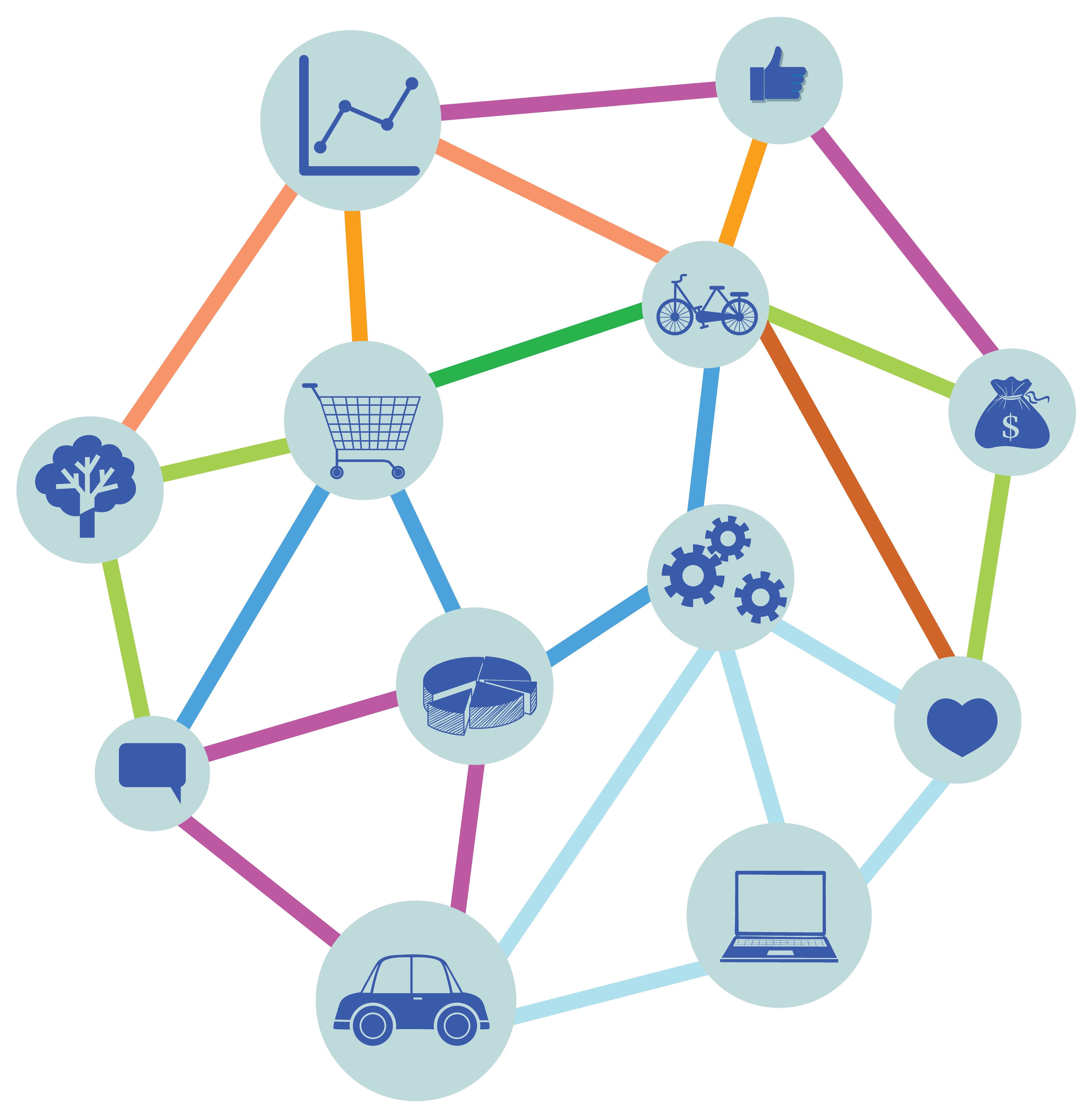
    Today’s customers don’t stick to just one channel. They browse products on mobile, compare prices on desktop, ask questions on social media, and finally make purchases in-store or through an app. This is where omnichannel integration comes in.

    Simply put, omnichannel integration connects all the customer touchpoints – online and offline into one unified experience. Instead of treating email, social media, websites, chat, and physical stores as separate entities, omnichannel brings everything together.

    And the result? Happier customers, stronger relationships, and higher conversions.

    What Is Omnichannel Integration?

    Omnichannel integration is the process of connecting multiple communication and sales channels so customers can move between them seamlessly without losing context.

    For example, a customer might:

    • Start a conversation on live chat
    • Continue it via email
    • Complete a purchase on mobile
    • Receive post-purchase support on WhatsApp

    With proper omnichannel integration, all these interactions are linked in one system. The customer doesn’t have to repeat themselves, and your team has full visibility into their journey. That’s the power of omnichannel.

    Why is Omnichannel Experience important?

    Modern customers expect convenience and personalization. If your channels aren’t connected, it creates friction and friction drives customers away.

    Here’s why omnichannel integration is critical:

    1. Better Customer Experience

    With omnichannel integration, customers enjoy a smooth and consistent journey across all platforms. Whether they start a conversation on chat and finish it over email, or browse products on mobile and purchase on desktop, everything stays connected. They don’t have to repeat their issues or re-enter information, which saves time and makes interactions feel effortless.

    2. Increased Engagement

    When customers can reach your brand on their preferred platform be it social media, website, or messaging apps they’re more likely to interact. Omnichannel experiences meet customers where they already are, making communication easier and more natural. This convenience encourages longer interactions and stronger relationships.

    3. Higher Conversion Rates

    A disconnected journey creates obstacles that stop people from completing purchases or inquiries. Omnichannel integration removes these barriers by guiding customers smoothly from discovery to decision. When everything flows seamlessly, customers feel confident taking action leading to higher conversions and better sales performance.

    4. Unified Customer Data

    Omnichannel systems bring all customer interactions into one central place. This gives businesses a complete view of customer behavior, preferences, and history. With unified data, teams can personalize communication, predict needs, and make smarter decisions instead of relying on scattered information.

    5. Stronger Brand Loyalty

    Customers remember how a brand makes them feel. When experiences are personalized, responsive, and consistent, trust grows. Over time, this trust turns into loyalty. Customers who feel understood and supported are far more likely to return and recommend your brand to others.

    Omnichannel vs Multichannel: What’s the Difference?

    Many businesses use multiple channels but that doesn’t automatically mean omnichannel.

    Multichannel means being present on different platforms.

    Omnichannel means those platforms are connected.

    In multichannel setups, channels operate in silos. In omnichannel integration, everything works together. That difference is huge.

    Key Components of Successful Omnichannel Integration

    To implement omnichannel effectively, businesses need: 

    • Centralized CRM or customer database
    • Integrated communication tools (email, chat, voice, social)
    • Consistent branding across channels
    • Real-time data syncing
    • Automation for workflows and follow-ups
    • These elements ensure every customer interaction feels connected and personalized.

    Final Thoughts

    Omnichannel integration isn’t just a buzzword-it’s a necessity in today’s digital-first world. Customers expect brands to remember them, understand them, and meet them wherever they are. Businesses that embrace omnichannel integration gain a competitive edge by delivering smoother journeys, building trust, and driving long-term growth.

    If your channels are still operating separately, now is the time to bring them together. Because in modern customer experience, connection is everything.

    Unified Communications – The Future of Business Connectivity

    0

    Unified communications (UC) enables businesses to manage calls, messages, video meetings, and collaboration tools through one integrated platform. As businesses demand seamless collaboration, flexibility, and scalability, UC has become the backbone of modern workplace communication.

    To support modern work structures, many organizations are shifting to Unified Communications as a Service (UCaaS) for greater agility, reliability, and long-term competitiveness. Some examples for unified communications include –Zoom, Microsoft Teams, DialOn Cloud, and Cisco Webex .

    What Is Unified Communications? 

    Unified communications refers to the integration of all communication tools  such as voice calling, video conferencing, messaging, presence, and collaboration apps into a single platform. The goal is to eliminate communication silos and enable teams to connect anytime, anywhere.

    Unlike traditional systems that force users to switch between multiple tools, unified communications provides:

    • Real-time voice and video interaction
    • Instant messaging and presence indicators
    • Integrated email and voicemail
    • Screen sharing and virtual collaboration spaces

    Modern UC platforms use intelligent routing and AI-enhanced features to improve productivity and lower friction in communication workflows.

    Why Is Unified Communications Essential ?

    The way people work has fundamentally changed. The 9-to-5 office model is no longer the standard, and there are different work structures now:

    1. Hybrid Work: Teams work across offices, co-working spaces, and home environments.
    2. Global Collaboration: Businesses operate across time zones and geographies.
    3. Digital-First Customers: Service expectations now demand instant, personalized engagement.

    Unified communications delivers all of this in one place. According to industry trends, organizations that adopt unified communications report improved employee engagement and faster decision-making ,key performance indicators tied directly to growth.

    What Is Unified Communications as a Service (UCaaS)?

    Unified Communications as a Service (UCaaS) takes traditional UC a step further by delivering communication solutions via the cloud.

    Instead of investing in on-premises hardware which can be costly and difficult to scale; UCaaS providers host the platform online. Businesses then pay a subscription fee, which gives them access to advanced communication tools without the burden of maintenance.

    Key Benefits of UCaaS

    • Scalability: Easily expand or reduce seats based on business needs.
    • Cost Efficiency: Predictable subscription pricing eliminates heavy upfront investments.
    • Automatic Updates: Cloud updates keep communication tools current with minimal IT effort.
    • Flexibility: Accessibility from any device, including laptops, mobile phones, and tablets.
    • Security & Compliance: Enterprise-grade encryption and compliance management are typically included.

    As hybrid and remote work becomes common, UCaaS has become something businesses truly need, not just something nice to have.

    UCaaS vs. Traditional UC: What’s the Difference?

    FeatureTraditional Unified CommunicationsUCaaS
    DeploymentOn-premises hardware/softwareCloud-based
    CostHigh upfront + maintenanceSubscription-based
    ScalabilityLimitedHighly elastic
    UpdatesManualAutomated
    AccessibilityOffice-centricAnywhere, anytime

    Given these advantages, it’s no surprise that many organizations are migrating to UCaaS platforms to reduce IT overhead and increase business agility.

    How Unified Communications as a Service Benefits All Industries

    Unified Communications as a Service (UCaaS) is not limited to a single sector. Its value extends across industries that rely on fast, reliable, and consistent communication.

    • IT & Technology – IT Industry uses UCaaS to support remote collaboration, daily stand-ups, and real-time issue resolution without relying on multiple tools.
    • Healthcare – They use UCaaS to coordinate between doctors, nurses, and administrative staff, enabling faster communication while supporting secure virtual consultations.
    • Education & EdTech – The platforms depend on UCaaS for virtual classrooms, student support, faculty collaboration, and seamless communication across campuses.
    • Retail & E-commerce businesses use UCaaS to connect customer support, inventory teams, and vendors, ensuring quick responses and smoother operations.
    • Finance & Banking – These institutions rely on UCaaS for secure internal communication, customer interactions, and compliance-friendly call management.
    • Manufacturing & Logistics – The teams use UCaaS to connect on-ground staff, warehouses, suppliers, and management teams in real time.
    • Customer Support & Service-Based Businesses – The industry benefits from UCaaS by managing calls, chats, and emails from a single platform, improving response time and customer satisfaction.
    • Across industries, UCaaS helps reduce communication gaps, improve productivity, and support flexible work models making it a practical solution for businesses of all sizes.

    Conclusion

    Unified communications and UCaaS are not just technologies, they are strategic enablers of modern business communication. Today organizations that leverage these platforms gain a competitive edge through seamless collaboration, lower costs, and improved customer experience.

    If your business hasn’t yet explored unified communications as a service, now is the time both for operational success and digital discoverability.

    Voicemail Transcription: What It Is and Why It Matters Today

    0

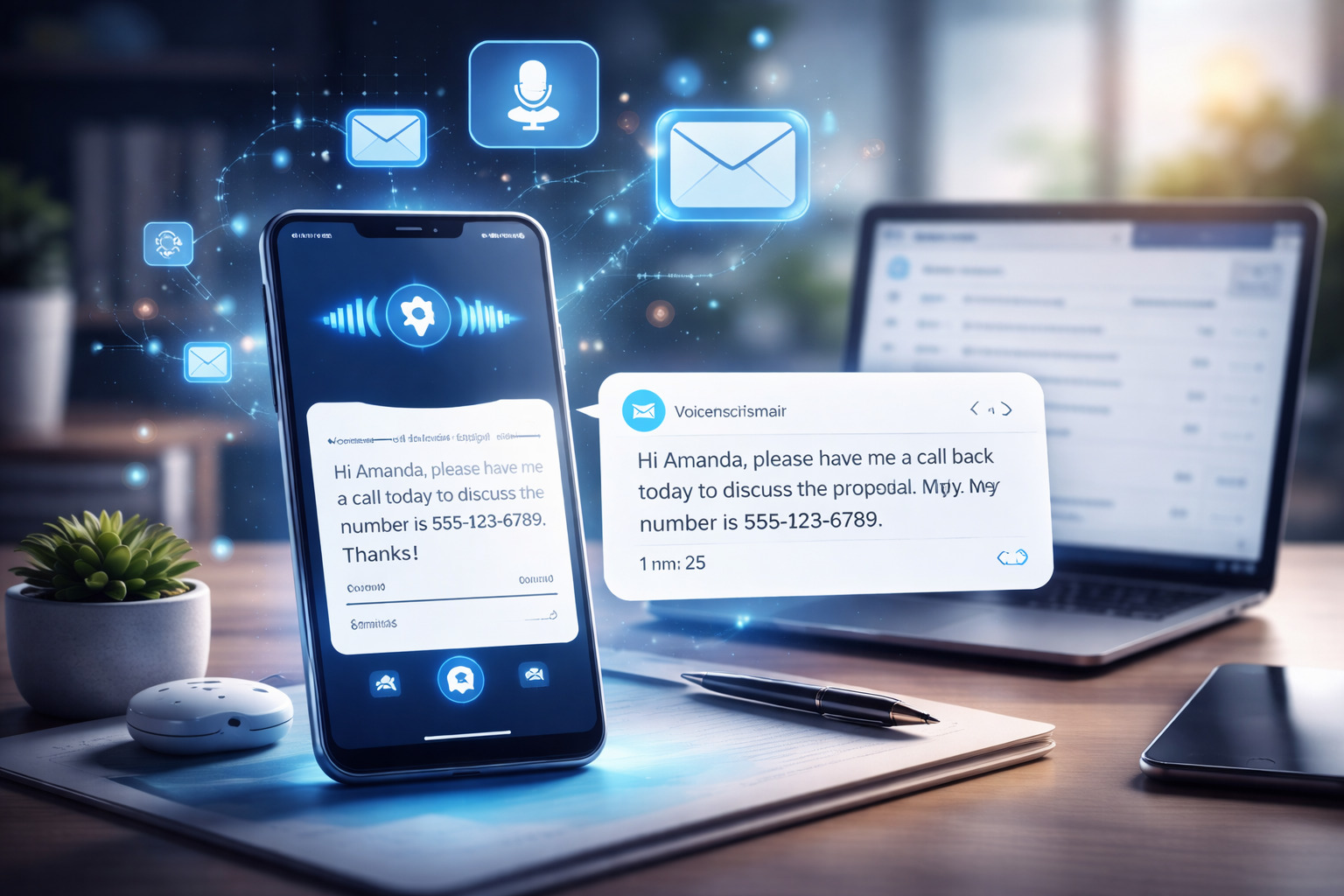
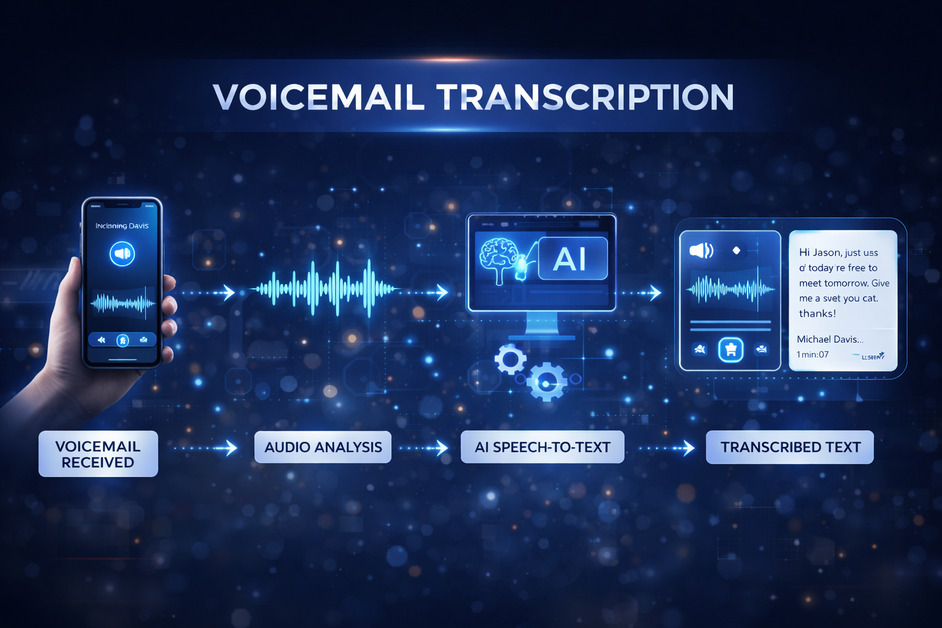
    Voicemail transcription is the process of converting voice messages into readable text. Instead of listening to every voicemail one by one, messages are automatically transcribed and delivered as text usually through email, SMS, or an app dashboard. In a fast-paced digital environment, this simple feature has become a powerful productivity tool for individuals and businesses alike.

    Traditional voicemail has its limits. Messages can be missed in noisy environments, during meetings, or when access to audio isn’t convenient. Voicemail transcription removes these barriers by making messages instantly readable. Whether checking a phone in public, reviewing messages during work hours, or quickly scanning important updates, transcription makes communication easier and more efficient.

    How Voicemail Transcription Works

    Voicemail transcription relies on speech-to-text technology powered by artificial intelligence. When a voicemail is received, the system analyzes the audio, recognizes spoken words, and converts them into text. Most modern systems continuously learn and improve accuracy over time, handling different accents, speech patterns, and tones better than older tools.

    Once transcribed, the message is stored alongside the original audio. This allows users to read the voicemail first and listen to it only if needed, saving time and effort.

    Key Benefits of Voicemail Transcription

    1. One of the biggest advantages of voicemail transcription is time savings. Reading a message takes only a few seconds compared to listening to a full voicemail. This is especially useful for professionals who receive multiple calls daily.
    2. Accessibility is another major benefit. Transcriptions help users with hearing impairments and make communication more inclusive. They also allow messages to be reviewed silently, which is ideal in meetings, shared workspaces, or public settings.
    3. Voicemail transcription also improves record-keeping. Text messages are easy to search, store, and reference later. Important details like phone numbers, addresses, or instructions can be quickly copied without replaying audio multiple times.
    4. For businesses, voicemail transcription enhances responsiveness. Teams can prioritize urgent messages faster, share transcriptions internally, and reduce delays caused by missed calls. This leads to better customer experience and smoother internal communication.

    Use Cases Across Industries

    Voicemail transcription is widely used across industries. Sales teams rely on it to quickly review client inquiries and follow up faster. Customer support teams use transcriptions to track issues, assign tickets, and maintain accurate communication records.

    Remote and hybrid workers benefit from voicemail transcription by staying connected across time zones without depending on real-time calls. Freelancers and consultants use it to manage client communications more professionally, ensuring no message is overlooked.

    Healthcare, legal, and real estate professionals also find voicemail transcription valuable, as it helps document conversations accurately while maintaining efficiency.

    Accuracy and Limitations

    While voicemail transcription technology has advanced significantly, it is not always perfect. Background noise, unclear speech, or strong accents can sometimes affect accuracy. However, most systems provide both the transcription and the original voicemail, allowing users to verify details when necessary.

    Over time, AI-based transcription continues to improve, making errors less frequent and results more reliable.

    Why Voicemail Transcription Is Becoming Essential

    As communication becomes more digital and fast-moving, voicemail transcription is no longer just a convenience—it’s a necessity. It bridges the gap between voice and text, ensuring messages are accessible, searchable, and easy to manage.

    For anyone who values efficient communication, better organization, and improved responsiveness, voicemail transcription offers a simple yet impactful solution that fits seamlessly into modern workflows.

    Conclusion

    As workplaces become more remote, fast-paced, and technology-driven, relying solely on traditional voicemail is no longer practical. Voicemail transcription bridges the gap between voice and text, making communication more flexible, searchable, and easy to manage. For anyone looking to stay organized and responsive, adopting voicemail transcription is a smart and future-ready choice.

    What Is a Cloud Engagement Platform?

    The way organizations connect with employees, customers, and partners has completely evolved. Communication is faster, expectations are higher, and relationships are built through consistent, meaningful interactions. This shift is exactly why cloud engagement platforms have become so important today.

    Understanding a Cloud Engagement Platform

    A cloud engagement platform is a cloud-based system built to improve interaction, communication, and participation between an organization and its users. Instead of depending on scattered tools like emails, spreadsheets, or disconnected apps, all engagement activities are managed within one centralized, cloud-hosted environment.

    One of the biggest advantages of a cloud engagement platform is accessibility. Being cloud-based means it can be accessed anytime, from anywhere, and on any device. This allows engagement to remain ongoing and seamless, rather than being restricted to office hours or physical locations.

    Why Businesses Are Moving to Cloud Engagement Platforms

    The shift toward remote work, hybrid teams, and digital customer journeys has made traditional engagement methods outdated. A cloud engagement platform solves several modern challenges at once.

    First, it removes communication silos. All messages, feedback, recognition, and updates flow through one system. Second, it scales easily. Whether you have 10 users or 10,000, the platform grows without requiring complex infrastructure changes. Third, it offers real-time insights. Engagement is no longer guesswork you can actually measure participation, response rates, and sentiment. Some examples of Cloud Engagement Platforms are – Deskchime, Culture Amp and Workleap.

    Key Features of a Cloud Engagement Platform

    Most cloud engagement platforms share a few core features that make them powerful:

    • Centralized communication: Announcements, messages, and updates from a single dashboard
    • Feedback and surveys: Real-time polls, pulse surveys, and structured feedback
    • Recognition and rewards: Tools to appreciate performance and motivate users
    • Analytics and reporting: Data-driven insights into engagement levels
    • Integration capabilities: Easy connection with CRMs, HR tools, or productivity software

    From my experience, it’s this combination of communication and analytics that truly sets a cloud engagement platform apart from basic tools.

    Cloud Engagement Platform for Employees

    For internal teams, a cloud engagement platform helps build transparency and trust. Employees feel heard when feedback is collected regularly, and morale improves when achievements are recognized publicly. It also supports onboarding, training, and collaboration—especially for distributed teams.

    Instead of long email chains or scattered tools, everything from announcements to appreciation happens in one place. That consistency plays a huge role in long-term engagement.

    Cloud Engagement Platform for Customers

    On the customer side, a cloud engagement platform enhances personalization. Businesses can interact through multiple touchpoints—email, in-app messages, notifications while keeping the experience consistent.

    What stands out is how these platforms help brands respond faster, collect meaningful feedback, and build loyalty. When customers feel acknowledged and valued, engagement naturally increases.

    Benefits of Using a Cloud Engagement Platform

    Here’s adopting a cloud engagement platform is a smart move:

    • Improves communication clarity and speed
    • Enhances employee and customer satisfaction
    • Provides measurable engagement data
    • Reduces dependency on multiple tools
    • Supports remote and hybrid environments

    All of this leads to better retention, productivity, and note-worthy business growth.

    Final Thoughts

    A cloud engagement platform is no longer just a nice-to-have tool – it’s becoming a core part of modern digital strategy. By centralizing communication, enabling real-time feedback, and offering actionable insights, it helps organizations stay connected in a fast-moving, cloud-driven world.

    If engagement is something you care about and it should be then investing in the right cloud engagement platform can make a real, measurable difference.

    What Is a Virtual Phone Number?

    0

    If you’ve ever wondered how businesses receive calls from different countries without having offices there, or how startups manage customer calls without giving out personal numbers, the answer is simple: a virtual phone number.

    In the digital world, communication is no longer tied to physical SIM cards, landlines, or even locations. Virtual phone numbers have changed the way individuals, startups, and large businesses connect with customers, teams, and partners.

    This blog explains what a virtual phone number is, how it works, why it’s used, its benefits, limitations, real-life use cases, and whether it’s the right solution for you.

    Understanding Virtual Phone Number? 

    A virtual phone number is a phone number that is not directly linked to a physical phone line or SIM card. Instead, it operates over the internet using cloud-based technology.

    You can make and receive calls or messages through:

    • Mobile apps
    • Web dashboards
    • VoIP software
    • CRM systems
    • Communication platforms 

    The calls don’t need a traditional phone line. Everything runs digitally.

    How Is a Virtual Phone Number Different from a Regular Phone Number?

    Let’s simplify this with a comparison.

    Regular Phone Number

    • Linked to a SIM card or landline
    • Tied to a physical device
    • Location-dependent
    • Harder to manage at scale
    • Limited features

    Virtual Phone Number

    • Internet-based
    • Works on apps or browsers
    • Location-independent
    • Easy to scale up or down
    • Comes with smart features

    You can answer calls on your laptop in one city while your number shows a different country’s code. That’s the power of a virtual phone number.

    How Does a Virtual Phone Number Work?

    A virtual phone number uses cloud telephony or VoIP (Voice over Internet Protocol) technology.

    Here’s how it works step by step:

    1. Someone calls your virtual phone number
    2. The call is routed through cloud servers
    3. The system forwards the call to:
      • your mobile app
      • browser
      • softphone
      • or another linked number
    4. You answer the call from anywhere with internet access

    The caller experiences it like a normal call. They don’t know it’s virtual.

    Types of Virtual Phone Numbers

    Not all virtual phone numbers are the same. Depending on your use case, you can choose different types.

    1. Local Virtual Phone Numbers

    These have local area codes and are ideal for:

    • Small businesses
    • Local customer support
    • Building trust in a region

    Example: A business in Delhi using a Mumbai local number.

    2. International Virtual Phone Numbers

    These allow businesses to have numbers from different countries.

    Perfect for:

    • Global businesses
    • International sales teams
    • Customer support across regions

    You can operate globally without setting up offices everywhere.

    3. Toll-Free Virtual Phone Numbers

    These numbers allow callers to contact you without charges.

    Commonly used for:

    • Customer support
    • Enterprises
    • Large service-based businesses

    They create a professional and trustworthy brand image.

    4. Mobile Virtual Numbers

    These look like mobile numbers but work virtually.

    Often used for:

    • WhatsApp Business
    • SMS-based verification
    • Marketing campaigns

    Why Do People Use Virtual Phone Numbers?

    There are many reasons why virtual phone numbers are becoming popular.

    1. Privacy Protection

    People don’t want to share personal numbers with:

    • clients
    • customers
    • online platforms

    A virtual phone number keeps your real number private.

    2. Business Professionalism

    Using a virtual phone number:

    • separates work and personal life
    • builds brand credibility
    • improves customer trust

    A business number looks more professional than a personal mobile number.

    3. Remote Work & Flexibility

    Teams working remotely need a central communication system.

    A virtual phone number allows:

    • remote answering
    • call forwarding
    • team-based call handling

    No physical office required.

    4. Easy Scalability

    You can:

    • add numbers instantly
    • remove them when not needed
    • scale during campaigns

    No hardware. No technician visits.

    5. Cost Efficiency

    Virtual phone numbers are often cheaper than:

    • traditional landlines
    • international calling plans

    Key Features of a Virtual Phone Number

    Most virtual phone number services come with powerful features that go far beyond basic calling.

    Call Forwarding

    Route calls to:

    • another number
    • multiple team members
    • different devices

    IVR (Interactive Voice Response)

    Automated voice menus like:

    “Press 1 for Sales, Press 2 for Support”   

    Helps manage high call volumes efficiently.

    Call Recording

    Useful for:

    • training
    • quality checks
    • compliance

    Call Analytics

    Track:

    • call duration
    • missed calls
    • response time
    • team performance

    SMS & Messaging

    Send and receive:

    • OTPs
    • notifications
    • reminders
    • follow-ups

    Integration with Tools

    Virtual phone numbers can integrate with:

    • CRM systems
    • helpdesk software
    • marketing tools
    • automation platforms

    Who Should Use a Virtual Phone Number?

    Why Virtual Phone Number

    A virtual phone number is useful for many people, not just businesses.

    Startups

    • No infrastructure needed
    • Low setup cost
    • Easy scaling

    Small Businesses

    • Professional communication
    • Better customer handling
    • Affordable solutions

    Enterprises

    • Multiple departments
    • Call routing
    • Analytics and reporting

    Freelancers & Consultants

    • Protect personal numbers
    • Appear more professional
    • Manage calls efficiently

    Remote Teams

    • Centralized communication
    • No location dependency

    E-commerce & Support Teams

    • Order-related calls
    • Customer queries
    • Support management

    Virtual Phone Number for Personal Use

    While commonly used by businesses, virtual phone numbers can also be useful for individuals.

    Common personal uses include:

    • Online registrations
    • Temporary communication
    • Freelance projects
    • Dating apps
    • Selling items online

    It helps avoid spam and protects privacy.

    Are Virtual Phone Numbers Legal?

    Yes, virtual phone numbers are legal in most countries.

    However:

    • Regulations vary by country
    • Some regions require identity verification
    • Usage must comply with local telecom laws

    For business use, always ensure compliance with applicable rules.

    Is a Virtual Phone Number Free?

    Some providers offer free virtual phone numbers, usually as:

    • trial accounts
    • limited-time offers
    • restricted usage

    These free numbers often:

    • have limited credits
    • expire after the trial
    • require upgrading for long-term use

    For permanent usage, paid plans are usually required.

    Can You Use Virtual Phone Numbers for WhatsApp?

    Yes, many people use virtual phone numbers for:

    • WhatsApp Business
    • customer communication
    • automation

    However:

    • Not all virtual numbers work with WhatsApp
    • Approval depends on the provider and region

    Always check compatibility before buying.

    Common Myths About Virtual Phone Numbers

    Myth 1: Virtual numbers are unreliable

    Reality: Modern cloud systems are highly stable and reliable.

    Myth 2: Call quality is poor

    Reality: With good internet, call quality is excellent.

    Myth 3: They are only for big companies

    Reality: Even individuals and freelancers use them.

    Myth 4: Setup is complicated

    Reality: Most setups take minutes, not days.

    Virtual Phone Number vs VoIP – Are They the Same?

    They are related but not identical.

    Think of VoIP as electricity and the virtual phone number as the device using it.

    Pros and Cons of Virtual Phone Numbers

    Pros

    • Flexible
    • Scalable
    • Cost-effective
    • Feature-rich
    • Location-independent

    Cons

    • Internet-dependent
    • Some platforms block virtual numbers
    • Free versions are limited

    Understanding both sides helps set the right expectations.

    How to Choose the Right Virtual Phone Number Provider

    Before selecting a provider, consider:

    • Country availability
    • Call quality
    • Pricing transparency
    • Customer support
    • Feature set
    • Integrations
    • Security

    Avoid providers that hide fees or lack support.

    Future of Virtual Phone Numbers

    The future is clearly moving toward:

    • cloud communication
    • remote-first businesses
    • automation
    • AI-driven call handling

    Virtual phone numbers will continue to grow as communication becomes smarter and more flexible.

    Final Thoughts

    A virtual phone number is no longer a luxury : it’s quickly becoming a necessity. Whether managing a business, freelancing, working remotely, or simply protecting personal privacy, modern communication needs have outgrown traditional phone systems. A virtual phone number offers the freedom to stay connected without being tied to a physical SIM card or a single device.

    With greater flexibility, better control, and a more professional presence, virtual phone numbers make communication smoother and more reliable. For anyone who values seamless and secure communication and that’s almost everyone today ,understanding and using a virtual phone number is a smart move.

    How to Get a Free Virtual Phone Number from Twilio Using DialOnCloud  

    Many businesses and startups look for a free virtual phone number to test calling, SMS, or customer support systems without upfront costs. While Twilio does not provide permanent free numbers, it does offer free trial credits, which can be used to get a virtual phone number temporarily. 

    By connecting Twilio with DialOnCloud, you can easily access and manage a free virtual phone number without dealing with complex technical setups.    

    This guide explains how it works, and how to get started step by step.

    What Is a Free Virtual Phone Number?

    A virtual phone number is a cloud-based number that works over the internet instead of a physical SIM card. You can use it for:

    • Making and receiving calls
    • Sending and receiving SMS
    • Sales and support teams
    • Testing communication workflows

    When people search for a free virtual phone number, they usually mean:

    • No upfront payment          
    • Ability to test before committing

    This is exactly what Twilio’s free trial enables.

    How Twilio Offers a Free Virtual Phone Number

    Twilio provides new users with free trial credits. These credits can be used to:

    • Purchase a virtual phone number
    • Make calls
    • Send SMS

    The number is free as long as trial credits are available. Once credits expire, billing details are required to continue using the number.

    Why Use DialOnCloud with Twilio?

    Twilio on its own can feel technical for non-developers. DialOnCloud simplifies everything by giving you a clean, business-friendly interface.

    With DialOnCloud, you can:

    • Connect Twilio in minutes
    • Fetch and manage virtual phone numbers
    • Make calls and send SMS easily
    • Track logs, activity, and usage in one place

    This makes it ideal for anyone looking to test a free virtual phone number quickly.

    Step-by-Step Guide : To Get a Free Virtual Phone Number from Twilio Using DialOnCloud

    Step 1: Create a Twilio Free Trial Account

    • Sign up on Twilio
    • Receive free trial credits automatically

    Step 2: Sign Up on DialOnCloud

    • Create your account on DialOnCloud
    • Go to Settings → Twilio Integration

    Step 3: Connect Twilio with DialOnCloud

    Enter your:

    • Twilio Account SID – This is your username 
    • Twilio Auth Token – This is your password

    DialOnCloud verifies the connection securely.

    Step 4: Get a Free Virtual Phone Number

    • Fetch available Twilio numbers inside DialOnCloud
    • Select a country (for example, the US)
    • Buy the number using Twilio trial credits

    Step 5: Start Using the Number

    Once activated, you can:

    • Make outbound calls
    • Receive inbound calls
    • Send and receive SMS
    • Monitor activity inside DialOnCloud

    All without technical configuration.

    Is the Free Virtual Phone Number Permanent?

    No – and it’s important to understand why.

    The free virtual phone number is offered as part of Twilio’s trial plan, which means it’s not permanent by default. During the trial period, you receive a limited amount of credits that allow you to test calls, messages, and number functionality.

    Once those Twilio trial credits expire, the virtual phone number is automatically deactivated. To continue using the same number without interruption, you’ll need to upgrade your Twilio account to a paid plan and add billing details.

    Upgrading allows you to:

    • Keep the same virtual phone number
    • Remove trial limitations
    • Use calling and messaging without restrictions

    In short, the free number is meant for testing and evaluation, not long-term use. If the number becomes important for your business or workflows, upgrading is the only way to make it permanent.

    Very important security rules

    1. Never share your Auth Token publicly
    2. Don’t paste it in screenshots or emails
    3. Don’t commit it to GitHub Don’t send it in plain text

    If someone gets your Auth Token, they can:

    • send messages/calls using your balance
    • buy numbers
    • change account settings

    What to do if it’s exposed

    1. Go to Twilio Console
    2. Regenerate Auth Token
    3. Update it everywhere it’s used

    Where to find your Auth Token

    • Log in to Twilio Console
    • Dashboard → Account Info
    • Click “Show” (you may need to verify)

    Final Thoughts

    If you’re searching for a free virtual phone number, the most reliable method is using Twilio’s free trial with DialOnCloud. You avoid upfront costs, skip technical complexity, and get a fully functional virtual phone number for testing or early-stage use.

    What Is Call Blasting? A Complete Guide for Businesses

    0

    In today’s fast-paced business world, reaching customers quickly and efficiently is essential. Whether it’s sending reminders, promoting offers, or delivering emergency alerts, businesses need a reliable communication method that connects with large audiences instantly. This is where call blasting comes in.

    In this blog, we will break down what call blasting is, how it works, its benefits, legal considerations, and best practices for using it effectively.

    What Is Call Blasting?    

    Call blasting which is also known as voice broadcasting or auto-dial calling is a technology that allows businesses to send pre-recorded voice messages to hundreds or thousands of phone numbers at once.

    It eliminates the need for manual dialing and helps companies deliver important messages instantly. 

    How Call Blasting Works 

    Let us understand how call blasting systems operate: 

    1. Upload Contacts – The business uploads a list of phone numbers into the calling system.
    2. Record or Upload Message – A pre-recorded voice message is added – usually announcements, reminders, alerts, or promotions.
    3. Set Call Preferences – Choose call timing, retries, caller ID, and scheduling.     
    4. Launch Campaign – The system automatically dials all numbers and plays the message upon answer.
    5. Track Performance – Businesses can monitor call success, delivery rates, and user responses (if interactive options are added).   

    Types of Call Blasting Campaigns

    Businesses use call blasting for a variety of purposes:

    1. Marketing & Promotions

    • New offers
    • Discounts
    • Product launches
    • Event invites

    2. Customer Notifications

    • Appointment reminders
    • Delivery updates
    • Service alerts

    3. Emergency Alerts

    • Weather warnings
    • System outages
    • Safety notifications

    4. Internal Communication

    • Employee announcements
    • Shift updates
    • HR reminders

    5. Lead Nurturing      

    • Lead follow-ups
    • Cold outreach
    • Re-engagement campaigns

    Benefits of Call Blasting

    1. Fast & Efficient

    Call blasting allows businesses to deliver a voice message to thousands of people within seconds, eliminating the time-consuming process of dialing numbers individually. Instead of spending hours or days on outreach, a single automated campaign ensures instant communication with your audience whether it’s for promotions, reminders, or emergency alerts.

    2. Highly Cost-Effective

    Compared to hiring calling agents or running expensive SMS/email campaigns, call blasting significantly reduces outreach costs. You pay only for the automated calls, making it a budget-friendly option for startups, SMEs, and large organizations. It maximizes ROI by reaching more people at a fraction of the operational cost.

    3. High Engagement

    Voice messages naturally feel more genuine and human, which increases listener attention and trust. People are far more likely to listen to a quick voice call than open an email or read an SMS. This stronger engagement often results in better response rates, improved conversions, and faster action from your audience.

    4. Easy to Automate

    With automated systems, you can schedule campaigns in advance, upload contact lists, set retry attempts for unanswered calls, and personalize messages — all without manual intervention. This means smoother operations, fewer missed opportunities, and the ability to run multiple campaigns simultaneously with minimal effort.

    5. Scalable

    Whether you need to send 100 calls or 10,000 call blasting platforms can handle it effortlessly. It scales with your business needs, making it ideal for small businesses, large enterprises, government organizations, and service providers. As your audience grows, call blasting grows with you — maintaining speed, quality, and consistency.

    Is Call Blasting Legal?

    Yes – call blasting is legal as long as regulations are followed.
    Depending on the country, businesses must follow rules like:

    • Getting customer consent
    • Providing opt-out options
    • Avoiding calls during restricted hours

    For example, in the U.S., the TCPA (Telephone Consumer Protection Act) sets guidelines for automated calls. Always ensure compliance based on your region.

    Best Practices for Using Call Blasting

    To get maximum results without annoying customers, follow these tips:

    1. Keep your message short : 30–45 seconds is ideal.
    2.  Personalize when possible : Mention customer names or order details (some systems allow this).
    3. Choose the right timing : Avoid calling early morning, late night, or during weekends.
    4. Always provide value : Make sure the message is relevant and useful.
    5. Offer an opt-out option : Build trust and avoid legal issues.
    6. Monitor analytics : Track answer rates, callback rates, and customer responses to improve future campaigns.

    Common Mistakes to Avoid

    • Making the message too long
    • Calling too frequently
    • Using unclear voice recordings
    • Not tracking results
    • Ignoring regulations

    How DialonCloud can help with call blasting?

    DialonCloud simplifies call blasting by giving businesses a fast, automated way to reach large audiences with pre-recorded voice messages. With its cloud-based auto-dialing system, you can upload contact lists, schedule campaigns, send reminders, alerts, or promotional messages, and track delivery in real time—all without any hardware. DialonCloud’s scalable platform ensures high call delivery rates, smooth campaign execution, and easy management for teams, making it an ideal solution for businesses that need quick, reliable, and cost-effective call blasting.

    Conclusion

    Call blasting is a powerful communication tool that helps businesses connect with large audiences in seconds. When used correctly, it can boost engagement, improve customer experience, and streamline communication.

    Whether you need to send promotional offers, reminders, emergency alerts, or internal updates, call blasting provides a fast, reliable, and cost-effective solution.

    What is a Softphone? A Simple Guide to Modern Business Calling

    0

    Have you ever wondered how companies make calls without using traditional phones or phone lines? The answer lies in a modern tool called a softphone. Many people today are curious about what is a softphone and how it can help them communicate better – especially in an age where remote work and global connections are so common.

    In this blog, we’ll explain everything you need to know about what is a softphone, how it works, its benefits, and why businesses are switching to solutions like DialonCloud for smarter and more flexible communication.

    Understanding What Is a Softphone

    A softphone is simply a software program or app that lets you make and receive phone calls using the internet instead of a regular telephone line.

    You can install it on your computer, laptop, tablet, or even your smartphone. Once you log in, you can make calls, receive calls, send voicemails, and even hold video meetings — all through your device.

    So, when we say what is a softphone, think of it as a virtual phone that lives inside your computer or phone. It works the same way as a normal phone but doesn’t need cables, SIM cards, or physical handsets. For example, DialonCloud provides a softphone system that helps businesses make internet-based calls smoothly and manage everything from one dashboard.

    How Does a Softphone Work?

    To understand what is a softphone, you should know how it actually works.

    When you speak into your device’s microphone, the softphone converts your voice into digital data. This data travels over the internet using a technology called VoIP (Voice over Internet Protocol). The person you are calling receives the data, which is then changed back into sound on their end.

    This process happens in seconds — making it feel just like a normal phone call. The only difference is that instead of using telephone lines, your call goes through the internet.

    With DialonCloud’s softphone, all these technical steps happen automatically in the background. You just open the app, connect to the internet, and start calling. It’s that simple!

    Why Are Businesses Choosing Softphones?

    You might still wonder: why are so many businesses asking what is a softphone, and why are they switching to it?

    Here are the main reasons:

    • Remote Work Friendly: With a softphone, employees can work from anywhere — their home, a café, or even while traveling — as long as they have an internet connection.
    • No Expensive Hardware: There’s no need for big phone systems, cables, or maintenance. Everything happens online.
    • Affordable Calls: Internet-based calls are cheaper than traditional landline calls, especially for international communication.
    • Easy to Scale: You can add or remove users anytime without extra installations.
    • Modern Features: Softphones offer features like call recording, analytics, caller ID, and integration with other tools like CRM systems.

    That’s why businesses using DialonCloud’s softphone system save money, improve flexibility, and stay connected no matter where their teams are.

    Benefits of Using a Softphone

    Now that you understand what is a softphone, let’s explore the benefits in more detail:

    1. Easy Setup: You just need to install the app and log in — no need for technical help or heavy setup.
    2. Work Anywhere: Softphones let you work remotely without missing important calls.
    3. Cost-Effective: You only pay for what you use. There’s no need for physical phones or landline rentals.
    4. High Call Quality: Modern softphones like DialonCloud provide clear and stable call quality as long as your internet connection is strong.
    5. Secure Communication: Softphones use encryption to protect your data and ensure safe calling.
    6. Call Management Features: You can record calls, check call logs, transfer calls, or set up voicemail easily.
    7. Environmentally Friendly: Since everything is digital, it reduces waste from hardware and cables.

    All these features make DialonCloud’s softphone an ideal choice for companies that want reliable, secure, and modern communication systems.

    Things to Consider Before Choosing a Softphone

    When learning what is a softphone, it’s also important to know what to check before choosing one:

    • Internet Speed: Since softphones use the internet, a stable and fast connection ensures better call quality.
    • Device Compatibility: Make sure your softphone works on all devices — Windows, Mac, Android, and iOS. DialonCloud supports all of these.
    • Customer Support: Choose a provider that offers quick support in case of technical issues.
    • Security: Look for encryption and secure login options to keep your calls private.
    • Integration Options: If your business uses tools like CRM or email systems, check whether your softphone can connect with them.

    DialonCloud meets all these points — offering a smooth, secure, and user-friendly experience for all types of businesses.

    Why DialonCloud Is the Best Softphone Solution

    When people search what is a softphone, they’re usually looking for a solution that’s simple, affordable, and reliable. DialonCloud offers all that and more.

    It’s designed to make business calling effortless. You can easily manage calls, track performance, and stay connected – all from one simple dashboard. Plus, it’s perfect for both small startups and large enterprises that want to save money and improve communication.

    With DialonCloud, you don’t just get a calling app — you get a complete communication platform that brings your team closer, no matter where they are.

    Final Thoughts

    Now that you know what is a softphone, it’s clear that this technology is changing the way people communicate at work. It’s cost-effective, easy to use, and fits perfectly into today’s digital lifestyle.

    If your business still relies on old phone systems, it might be time for an upgrade. With DialonCloud’s softphone, you can make professional calls from anywhere, save money, and improve how your team connects every day.

    So, stop wondering what is a softphone – try it out and experience a smarter, faster, and more flexible way to communicate!