
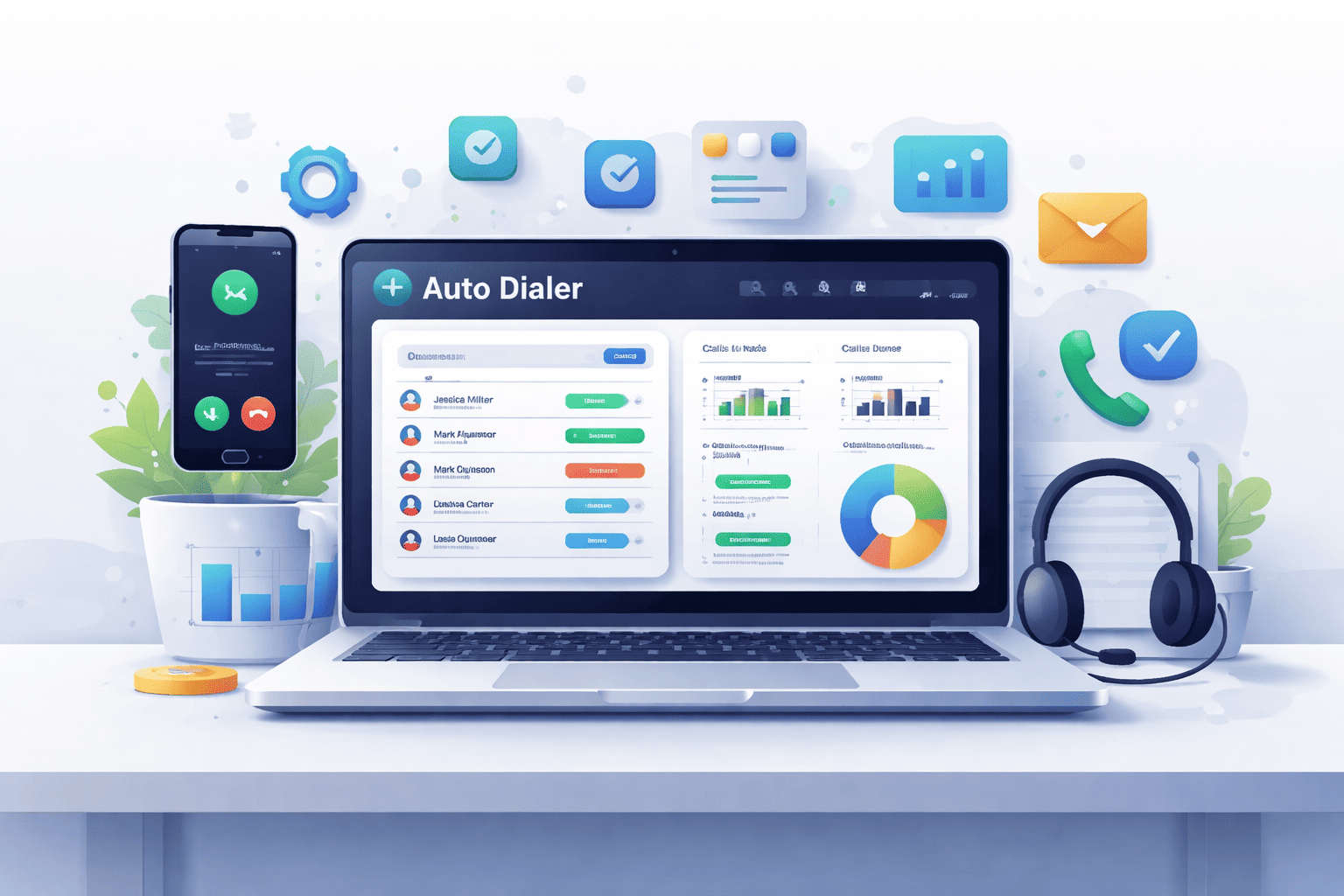
If your sales team is still dialing numbers manually, you are leaving serious revenue on the table. Studies show that auto dialer software can boost agent talk time by 200% to 300% meaning your team could triple its outreach without adding a single person. In a world where speed-to-lead wins deals, small businesses simply cannot afford to move slowly.
But with dozens of options in the market, choosing the right auto dialer is overwhelming. Should you go with a simple power dialer or a full predictive dialing suite? Do you need AI-powered lead scoring? What about CRM integrations and compliance tools?
We did the research for you. This guide covers the 7 best auto dialer software solutions for small businesses with honest pros, cons, pricing, and a clear recommendation for who each tool is best suited for.
What Is Auto Dialer Software?
Auto dialer software automatically dials a list of phone numbers, filters out busy signals, unanswered calls, and voicemails, and only connects your agent when a real person picks up. This eliminates idle time between calls and dramatically increases the number of live conversations your team has per day.
The best auto dialers go far beyond simple dialing. They come equipped with:
- AI-powered lead prioritization
- CRM integrations (HubSpot, Salesforce, Zoho, Pipedrive)
- Multi-mode dialing: Preview, Progressive, Power, and Predictive
- Voicemail drop to save time on unanswered calls
- Call recording and real-time analytics
- Compliance tools for TCPA, GDPR, and local regulations
Why Small Businesses Need Auto Dialer Software
- The global predictive dialer market is projected to reach $542.7 million by 2025, growing at 9.2% annually
- Sales agents manually dialing calls average just 10–15 minutes of actual talk time per hour
- Auto dialers push that to 40–50 minutes per hour; a 3x improvement
- 88% of customers prefer talking to a live agent, making efficient call connection critical
- 28% of companies are already deploying AI-based dialing strategies – your competitors may already be ahead
For small businesses where every sales rep counts, these numbers are not just impressive but they are decisive as well.
Top 7 Auto Dialer Software for Businesses
1. JustCall
Best for Multi-Channel Sales Teams
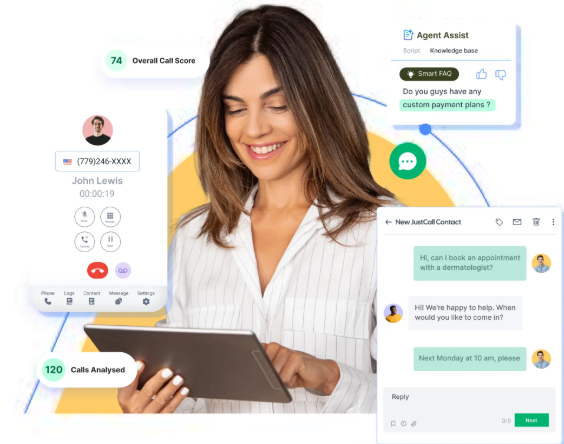
What is it? JustCall is a modern cloud phone system that goes beyond just calls. It brings voice, SMS, WhatsApp, and email together in one place, making it a solid choice for teams that communicate across multiple channels.
Why is it used? Sales and support teams don’t just call anymore, they text, email, and message too. JustCall lets you manage all of that from a single dashboard without switching tabs constantly.
How is it used? Teams connect JustCall to their CRM (like HubSpot or Salesforce), set up calling queues, and run outbound campaigns. SMS and WhatsApp follow-ups can be automated after calls. Managers get clean analytics to track team performance.
Pros
- Voice, SMS, WhatsApp, and email in one platform
- Strong CRM integrations
- Clean and easy-to-use interface
Cons
- Costs can add up with multiple add-ons
- Setup and customization take some time
Who can use it? Sales teams, customer support teams, and businesses that run outbound campaigns alongside inbound support — especially those already using HubSpot or Salesforce.
2. PhoneBurner
Best for High-Volume Power Dialing
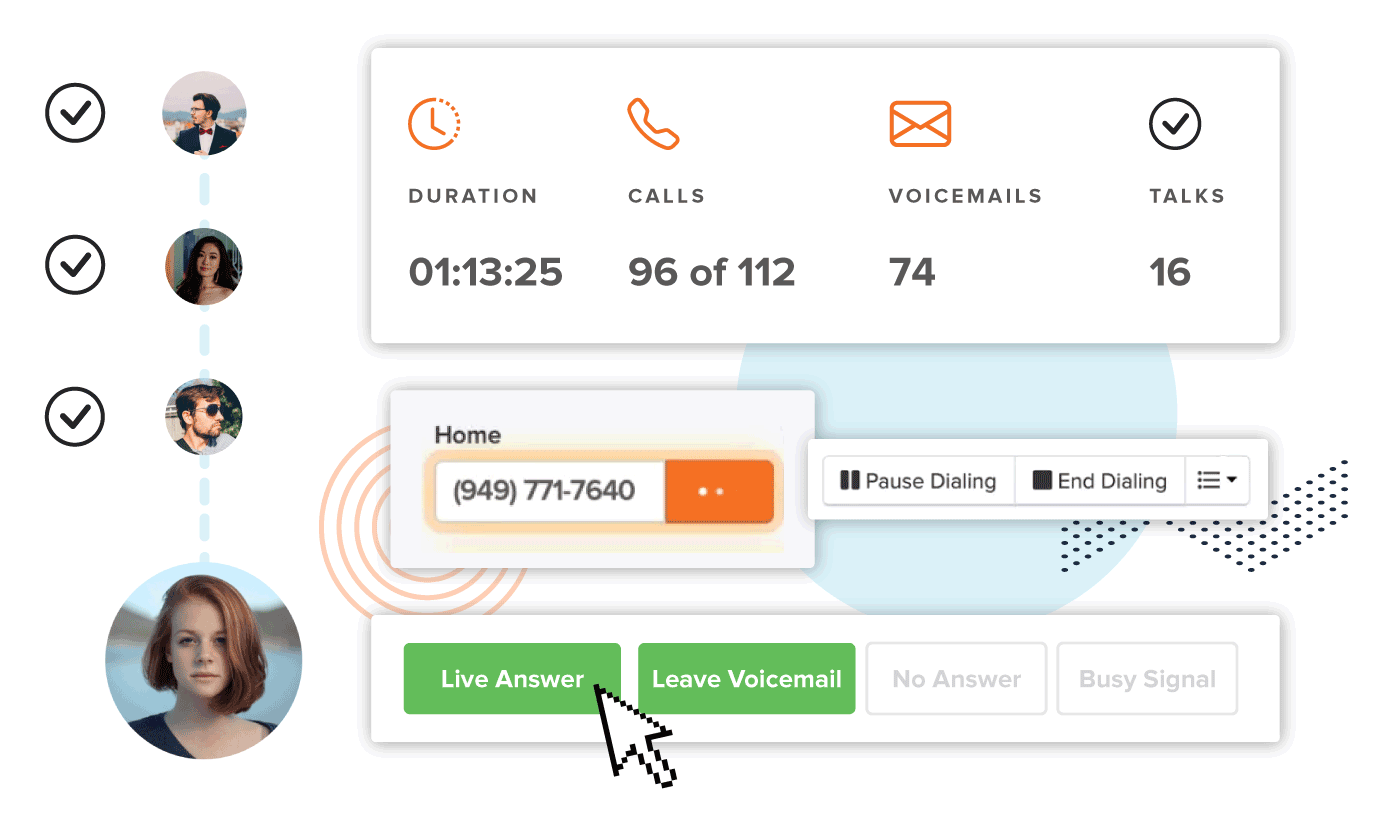
What is it? PhoneBurner is a power dialer built for speed. It’s designed for teams that need to make hundreds of calls a day without wasting time on busy signals, voicemails, or connection delays.
Why is it used? Cold calling is a numbers game. PhoneBurner helps reps move through contact lists fast, dropping voicemails automatically and jumping to the next call instantly ,no dead air, no waiting.
How is it used? You upload your leads, hit dial, and PhoneBurner handles the rest. When someone picks up, you’re already connected. It also automates post-call emails and tracks your workflow so nothing falls through the cracks.
Pros
- Zero connection delays between calls
- Excellent for cold-calling campaigns
- Built-in email and workflow automation
Cons
- Pricing can be steep for small Indian startups
- Limited features for inbound calls
Who can use it? High-volume outbound sales teams, cold callers, lead generation agencies, and anyone whose entire job is dialing through large contact lists quickly.
3. DialOnCloud
Best All-in-One Cloud Dialer for Growing Indian SMBs
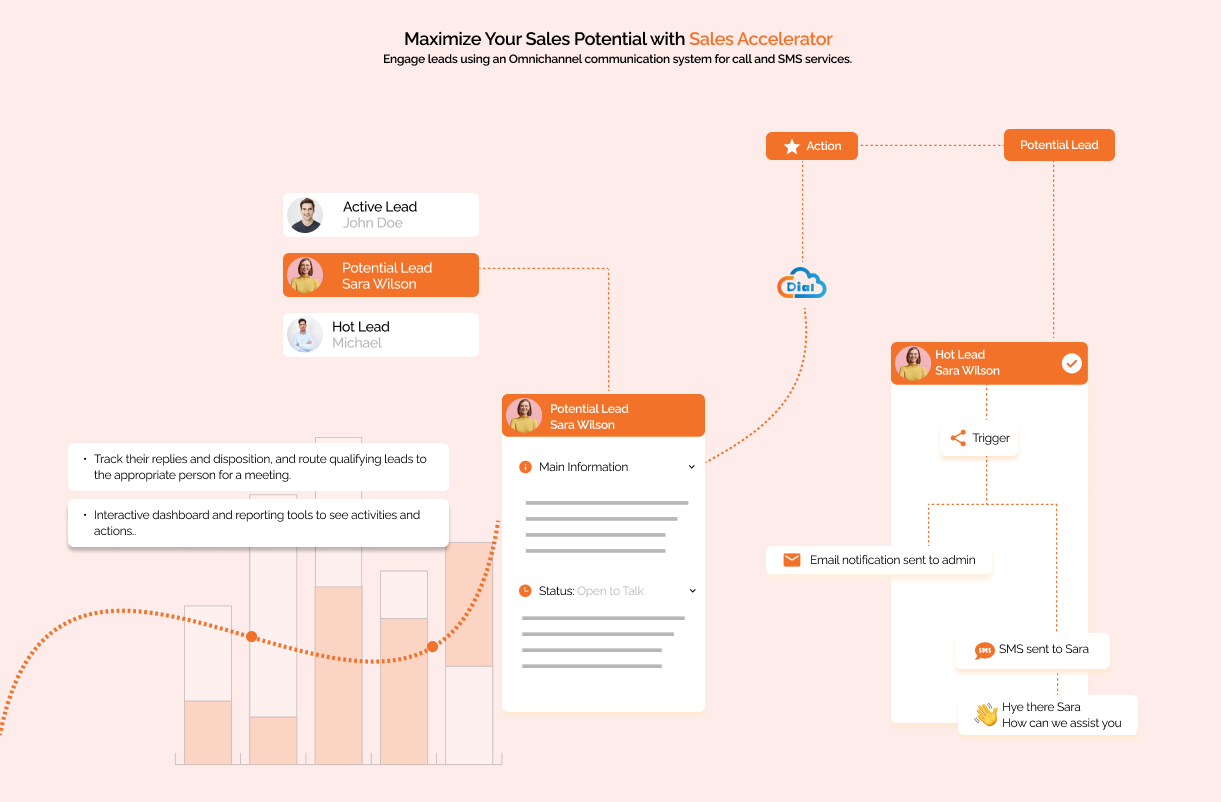
What is it? DialOnCloud is a cloud-based auto dialer built with Indian businesses in mind. It bundles calling, CRM, and automation into one platform so you don’t need to manage five different tools just to make sales calls.
Why is it used? Indian SMBs need something affordable that actually understands local telecom rules and pricing. Most global tools feel like overkill – DialOnCloud keeps it simple and relevant for the Indian market.
How is it used? You upload your contact list, set up a calling campaign, and the system starts dialing automatically. Agents get connected only when someone picks up. The built-in CRM logs every call, and managers can track performance through a live dashboard.
Pros
- India-focused pricing and compliance
- Built-in CRM with call automation
- Quick and easy onboarding
- Great for startups scaling up
Cons
Limited AI analytics compared to global tools
- UI feels a bit dated on premium features
Who can use it? Indian startups, small sales teams, inside sales reps, and any business that wants an affordable, ready-to-go cloud calling setup.
4. Aircall
Best CRM-First Smart Dialer
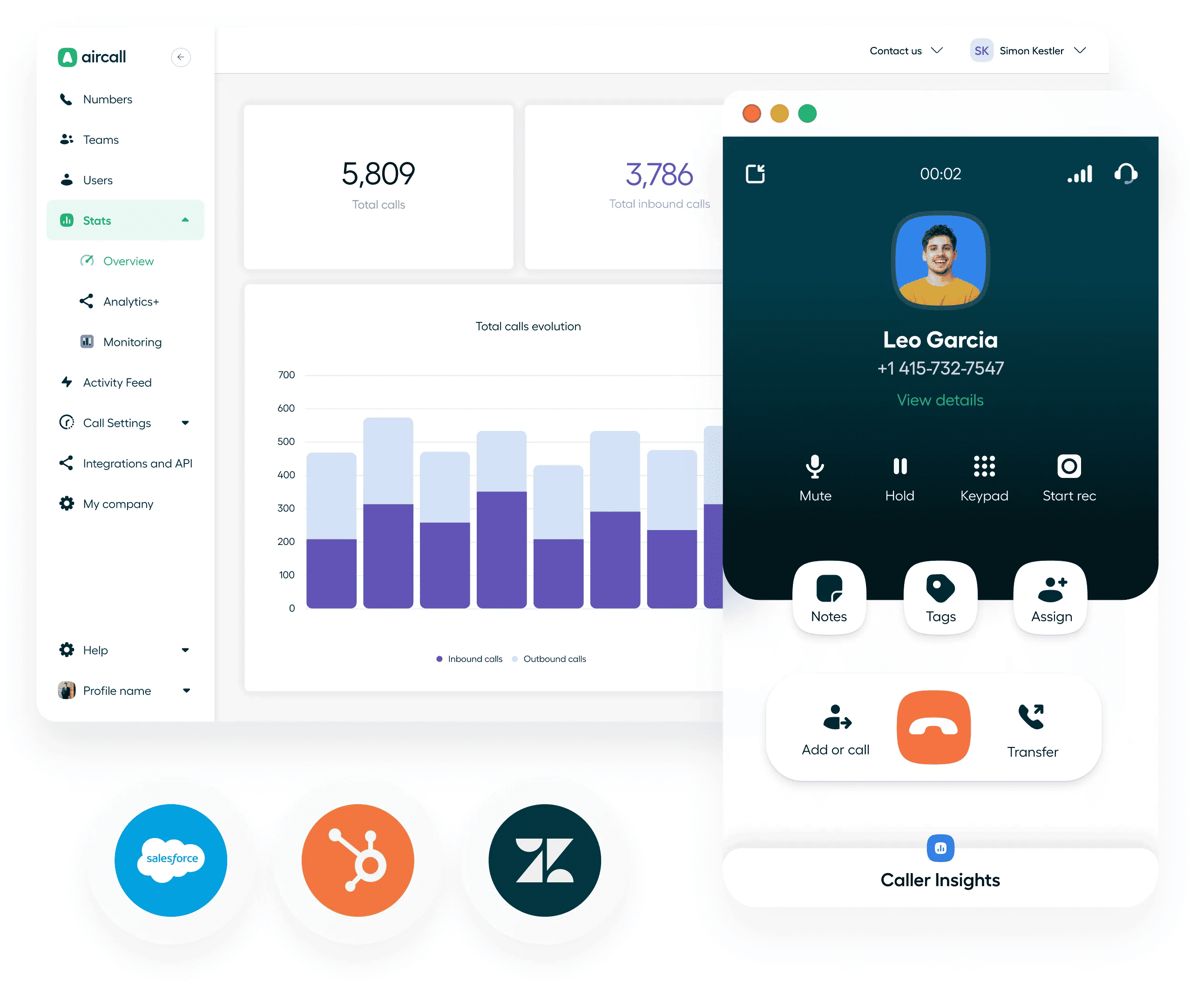
What is it? Aircall is a smart cloud phone system that’s deeply integrated with CRMs and business tools. It’s polished, professional, and designed for teams that already live inside tools like Salesforce, HubSpot, or Intercom.
Why is it used? When your team’s entire workflow lives in a CRM, your calling tool needs to plug right into it. Aircall syncs calls, notes, and data automatically ; no manual logging, no copy-pasting.
How is it used? Agents make calls directly from their CRM. Every call is recorded, tagged, and logged automatically. Managers can monitor live calls, whisper to agents, or jump in when needed. Analytics help teams spot patterns and improve performance.
Pros
- Deep CRM syncing and automation
- Strong call monitoring and analytics
- Very polished and intuitive user experience
Cons
- Expensive compared to SMB-focused tools
- Needs a stable internet connection for best performance
Who can use it? Marketing teams, sales teams, and customer success teams that are already running a CRM-driven workflow and want their calling to be fully integrated.
5. RingCentral
Enterprise-Grade Reliability for SMBs
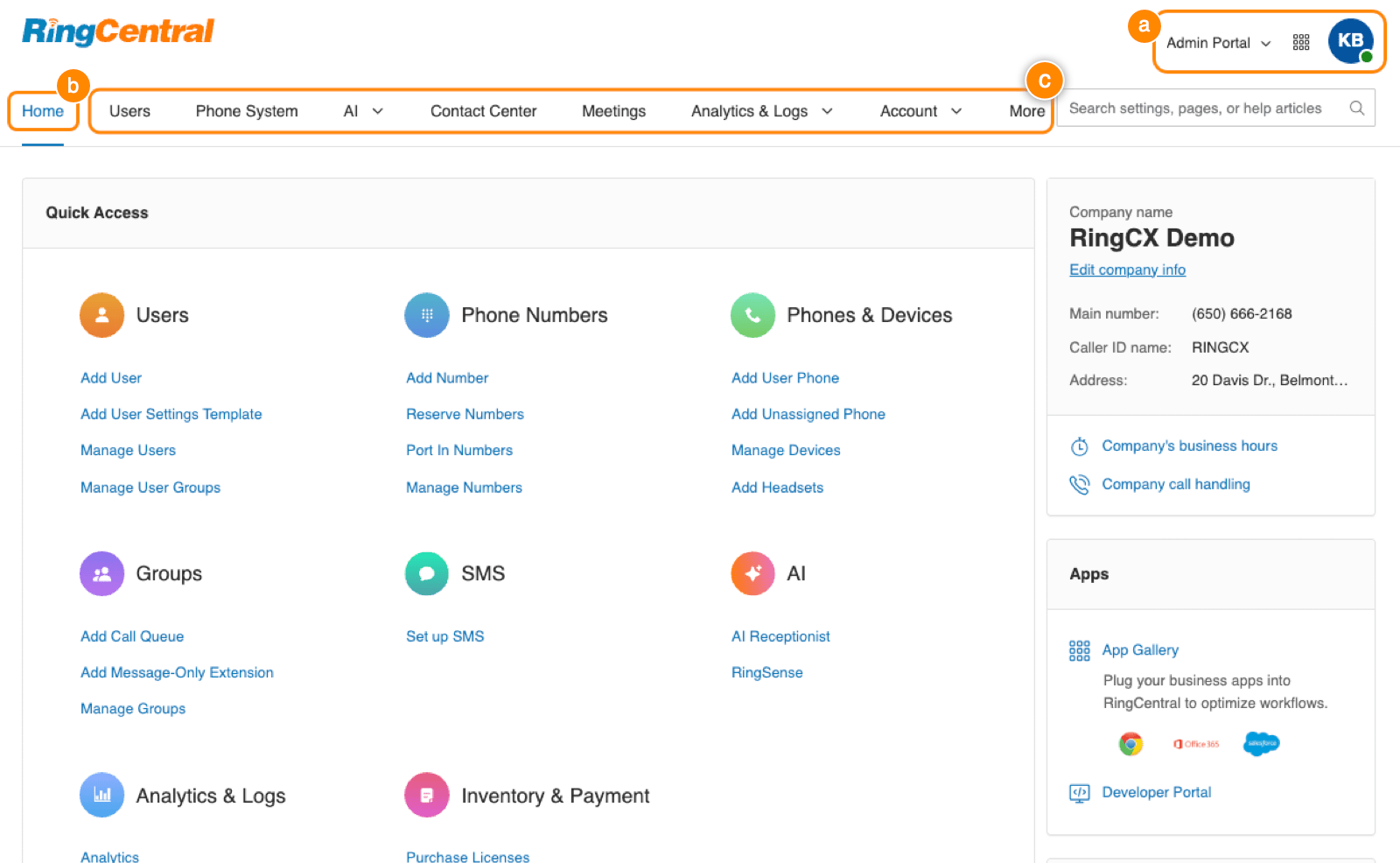
What is it? RingCentral is one of the most established names in business communication. It’s a full-suite platform covering calls, video, messaging, and more – built on infrastructure that large enterprises trust.
Why is it used? When your business can’t afford downtime and needs everything – calling, conferencing, team messaging – under one roof, RingCentral delivers that reliability at scale.
How is it used? Teams use RingCentral for internal communication, customer calls, and video meetings all from one app. Admins manage users, permissions, and call routing from a central dashboard. It scales easily as your team grows
Pros
- Highly reliable and enterprise-grade infrastructure
- Full business communication suite in one place
- Scales easily as the company grows
Cons
- Can be overkill for very small teams
- Pricing tiers are complex and can get confusing
Who can use it? Mid-sized to large businesses, companies focused on long-term scalability, and teams that need one dependable platform for all their communication needs.
6. Kixie PowerCall
Best for Local Presence Dialing
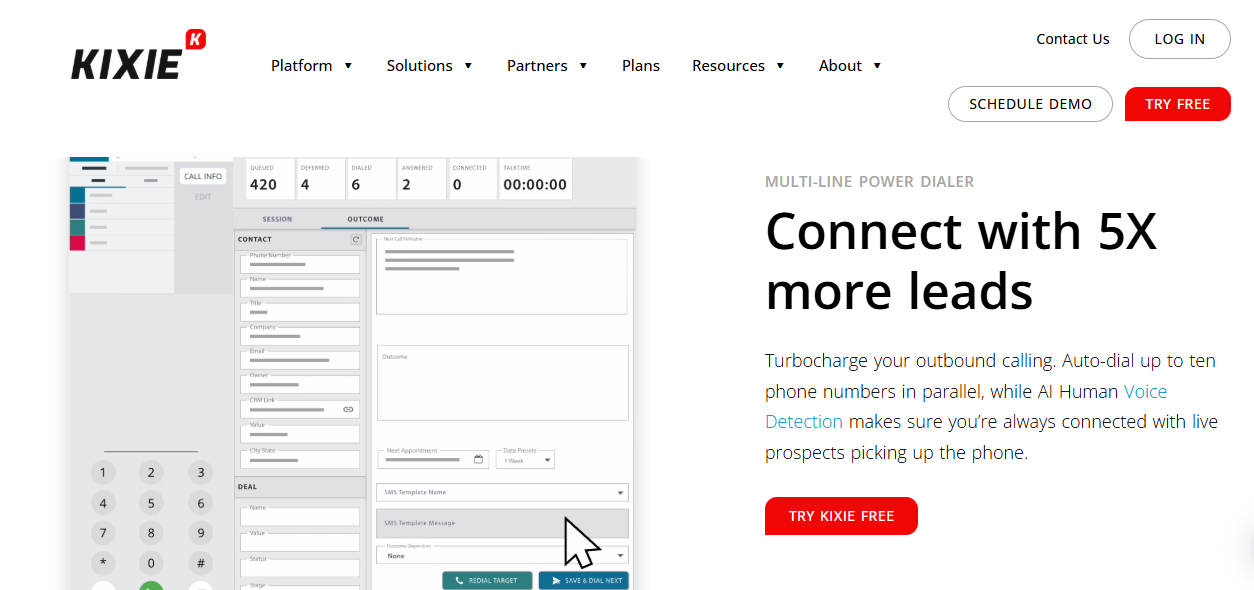
What is it? Kixie PowerCall is an auto dialer focused on one smart trick – showing a local number when you call. People are far more likely to pick up a call from a local number than an unknown one, and Kixie banks on that insight.
Why is it used? Connect rates are everything in outbound sales. If no one picks up, nothing else matters. Kixie’s local presence dialing boosts answer rates by making calls look familiar to the person receiving them.
How is it used? Agents dial through their CRM or Kixie’s dashboard. The system automatically selects a local caller ID based on where the contact is located. Automation workflows handle follow-ups, and CRM integrations keep data synced in real time.
Pros
- Boosts pickup rates with local caller IDs
- Strong automation and workflow features
- Good CRM integrations
Cons
- Takes some time to learn for new users
- Pricing grows quickly as team size increases
Who can use it? Outbound sales teams, SDRs, and any business that makes a high volume of cold calls and wants to improve how many people actually pick up.
7️. CloudTalk
Best for Global or Multi-Country Operations
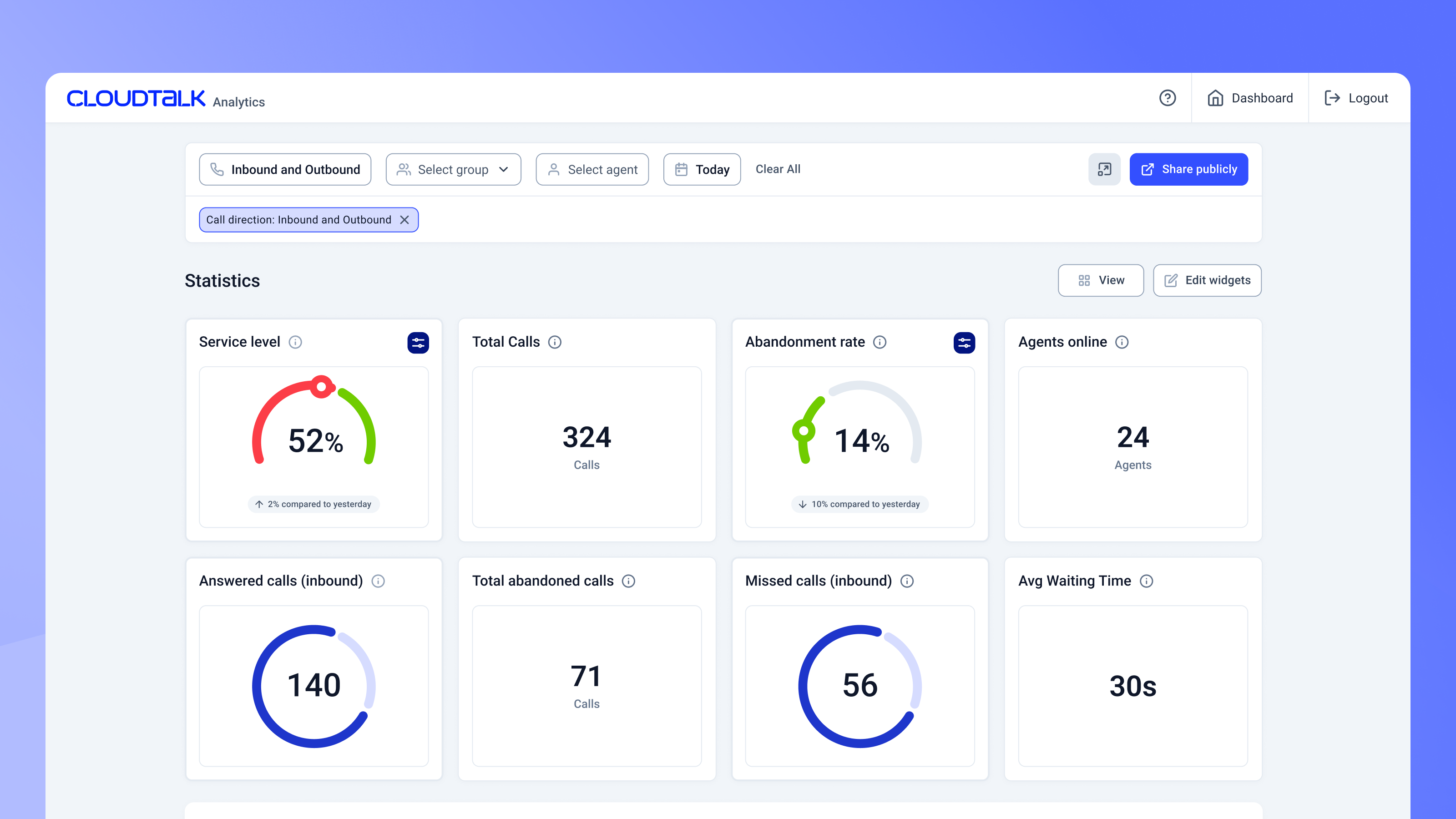
What is it? CloudTalk is a cloud call center solution built for businesses operating across multiple countries. It offers international phone numbers, smart call routing, and AI-powered analytics — all from one platform.
Why is it used? When your team or your customers are spread across different countries, you need a tool that handles international calling smoothly without technical headaches. CloudTalk makes that manageable.
How is it used? Businesses set up local numbers in the countries they operate in, configure smart routing rules, and manage all calls through a central dashboard. AI analytics help teams understand call patterns and improve outcomes over time.
Pros
- International numbers across many countries
- AI call analytics and smart routing
- Strong integrations ecosystem
Cons
- Advanced features are locked behind higher-priced plans
- Can be more than what small local teams actually need
Who can use it? Global businesses, BPOs, SaaS companies with international customers, and any team managing calls across multiple countries or time zones.
Bonus Tools (Quick Insight)
These aren’t always traditional auto-dialers but are worth noting:
- GoHighLevel – Strong for agencies needing CRM + automation + dialer.
- GoDial -Simple SIM-based calling, beginner-friendly.
- Calley – Free mobile auto-dialer; great for budget startups.
- Exotel – India-focused cloud telephony with APIs.
- Zoom Auto Dialer – Useful if your team already uses Zoom.
Not every auto dialer is built for every business. Here is a simple framework to help you in your decision:
1. Define Your Primary Goal
- High call volume with speed -> Phone Burner or DialOn Cloud
- Multi-channel outreach (calls + SMS + WhatsApp) ->Just Call
- CRM-first workflow -> Aircall
- International calling on a budget -> Cloud Talk
- Low answer rates / local presence -> Kixie PowerCall
- Scaling into enterprise -> RingCentral
2. Consider Your Team Size
Predictive dialers require a minimum of 8–10 agents to work efficiently (they dial multiple lines at once). For teams under 8 people, a power dialer like PhoneBurner, DialOnCloud, or Aircall is a better fit.
3. Check Your CRM Integration Needs
If your entire sales process lives in a CRM, prioritize tools like JustCall (100+ integrations), Aircall (deep native sync), or Kixie (HubSpot/Salesforce specialists). A dialer that does not talk to your CRM is a dialer that creates double work.
4. Factor In Compliance Requirements
If you are calling customers in the US, TCPA compliance is non-negotiable. Calling in Europe means GDPR rules apply. Most tools on this list include compliance features, but verify this matches your specific geography before signing up.
5. Always Start with a Free Trial
Every software on this list offers a free trial. Use it. Test call quality on your actual network, train one rep on the interface, and check how it integrates with your existing tools before committing to an annual plan.
Conclusion
Choosing the right auto dialer software depends on your team size, goals, and budget. Whether you need simple power dialing or advanced AI analytics, the tools listed here help small businesses increase talk time, improve outreach, and close more deals faster. Start with a free trial, test integrations, and pick a solution that grows with your business.
Frequently Asked Questions
What is the difference between a power dialer and a predictive dialer?
A power dialer calls one number at a time and waits for the agent to finish before moving to the next. A predictive dialer uses AI to call multiple numbers simultaneously, predicting when agents will be free. Power dialers are better for small teams (under 8 agents). Predictive dialers are more efficient for larger call centers with 10+ agents.
Is auto dialer software legal for small businesses?
Yes, but with conditions. In the US, you must comply with TCPA regulations which generally require prior written consent before using an auto dialer to contact someone. In Europe, GDPR applies. The tools listed here include compliance features, but always consult a legal advisor for your specific situation and geography.
Can I use an auto dialer with my existing CRM?
Yes. All seven tools on this list integrate with popular CRMs. JustCall and Aircall offer the widest integration libraries (100+ tools each). DialOnCloud includes its own built-in lead management that works alongside external CRMs.
How much does auto dialer software cost?
Pricing varies widely. Entry-level tools may start around $20–$40 per user/month, while advanced AI dialers with analytics and integrations can exceed $100+ per user/month depending on features and call volume.
What features should small businesses look for in auto dialer software?
Small businesses should focus on features that improve productivity without adding complexity. The most important ones include multi-mode dialing (power or predictive), voicemail drop, call recording, analytics dashboards, and easy setup. CRM sync, local compliance tools, and automation workflows are also useful if your team plans to scale.

Himani is a Content Writer and SEO Specialist with 3 years of experience creating content that ranks, converts, and builds trust.