
Practical writing on cloud calling, auto-dialers, SMS and email marketing — from the team building DialonCloud.

So, you have started using an auto dialer or are planning to get auto dialer software for your business. Smart move. Auto dialers save time, boost sales team productivity, and help you reach more customers faster. But here is the part most businesses miss — using an auto dialer comes with legal resp
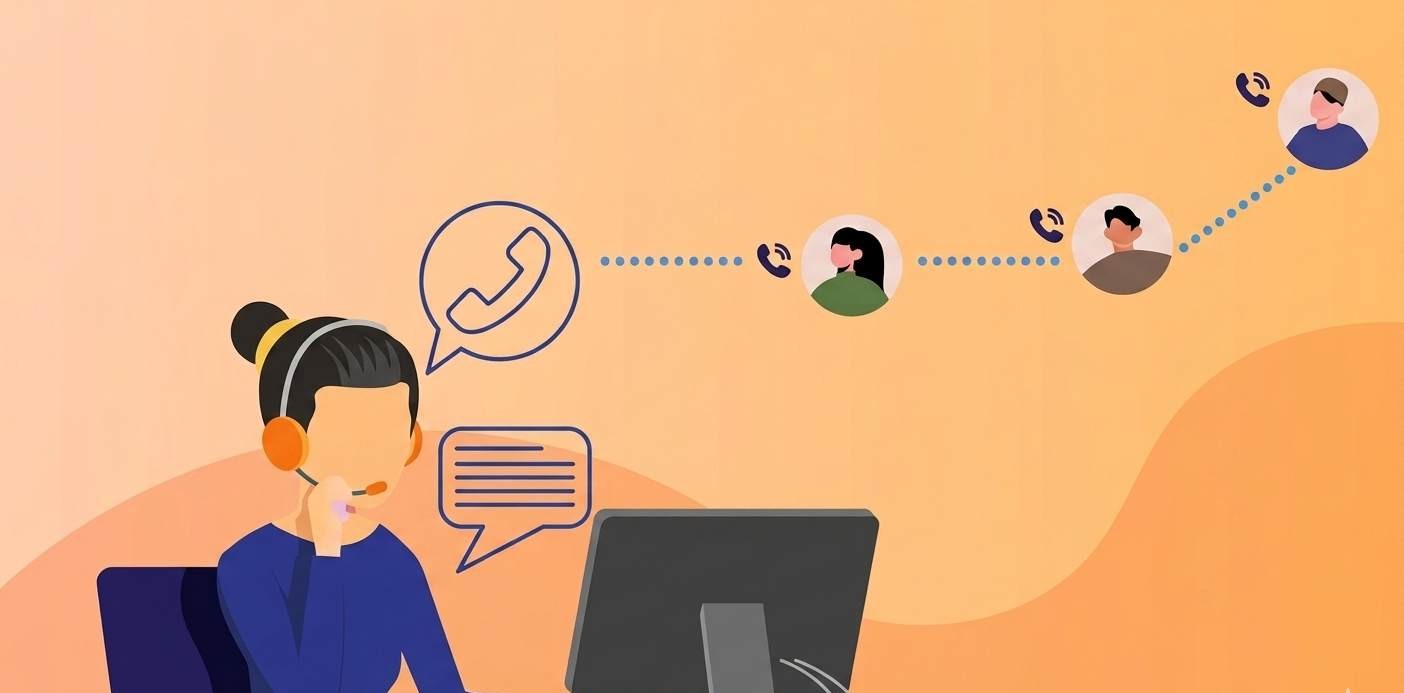
What Is an Auto Dialer? An auto dialer is software that automatically dials phone numbers from a contact list so your agents do not have to do it manually. When someone answers the call, the system either connects them to a live agent or plays a pre-recorded message — depending on how you have set [
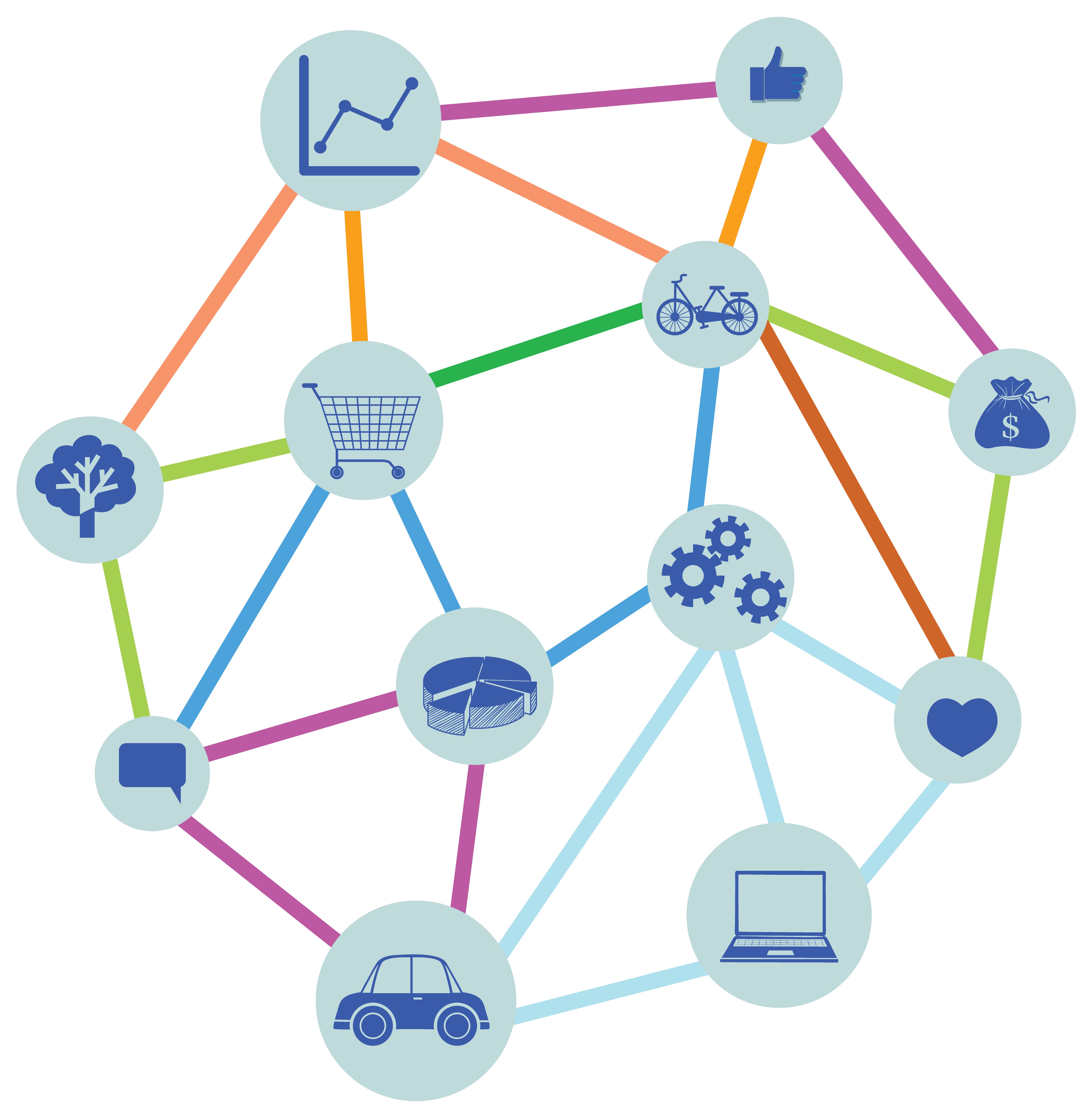
Today’s customers don’t stick to just one channel. They browse products on mobile, compare prices on desktop, ask questions on social media, and finally make purchases in-store or through an app. This is where omnichannel integration comes in. Simply put, omnichannel integration connects all the cus

Unified communications (UC) enables businesses to manage calls, messages, video meetings, and collaboration tools through one integrated platform. As businesses demand seamless collaboration, flexibility, and scalability, UC has become the backbone of modern workplace communication. To support moder
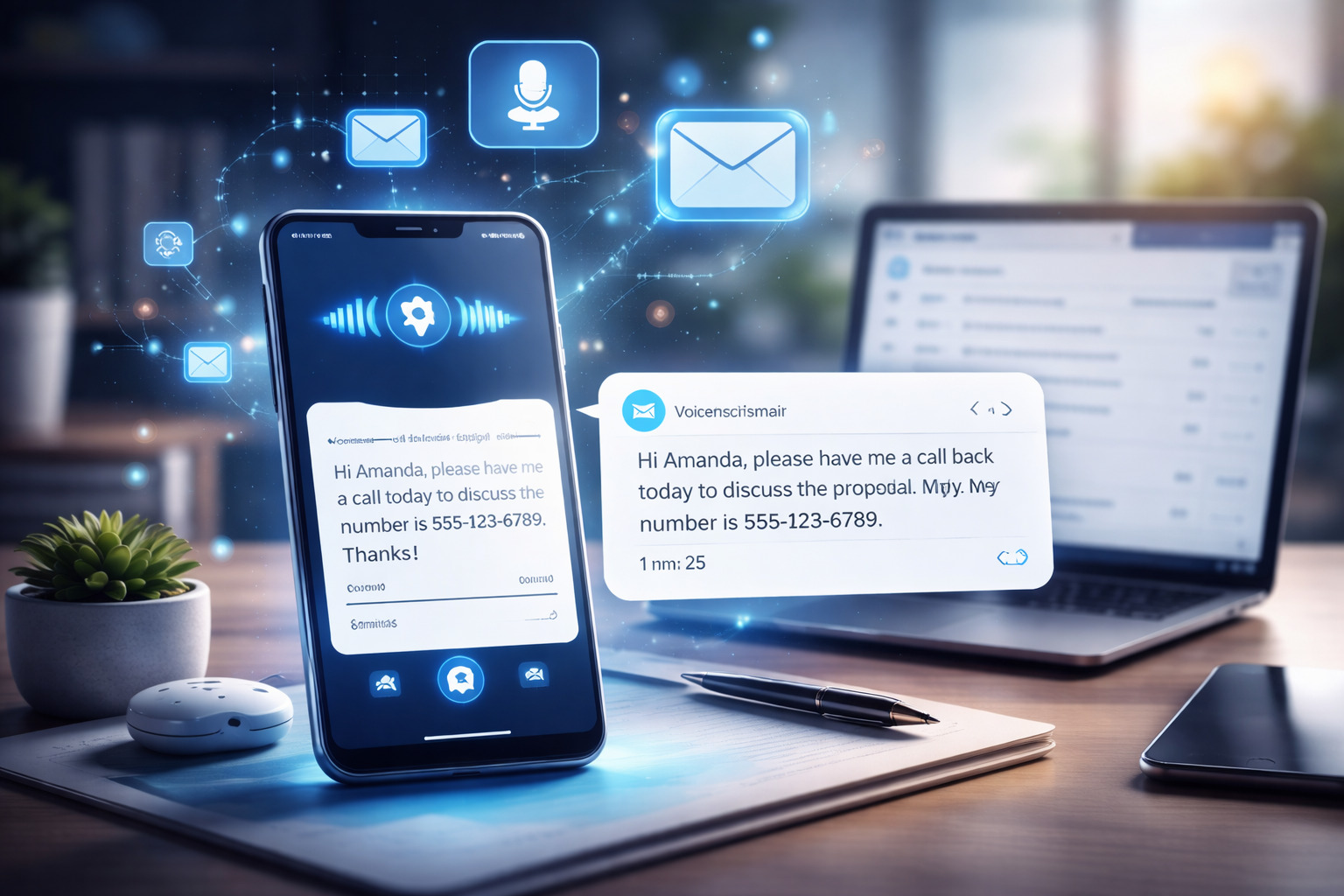
Voicemail Transcription

Many businesses and startups look for a free virtual phone number to test calling, SMS, or customer support systems without upfront costs. While Twilio does not provide permanent free numbers, it does offer free trial credits, which can be used to get a virtual phone number temporarily. By connectin
In today’s fast-paced business world, reaching customers quickly and efficiently is essential. Whether it’s sending reminders, promoting offers, or delivering emergency alerts, businesses need a reliable communication method that connects with large audiences instantly. This is where call blasting c

Have you ever wondered how companies make calls without using traditional phones or phone lines? The answer lies in a modern tool called a softphone. Many people today are curious about what is a softphone and how it can help them communicate better – especially in an age where remote work and

In today’s connected world, convenience is everything. From managing work tasks to catching up with loved ones, communication tools have evolved far beyond the traditional phone. One of the most efficient ways to stay connected is by making phone calls directly from your computer or laptop. Whether
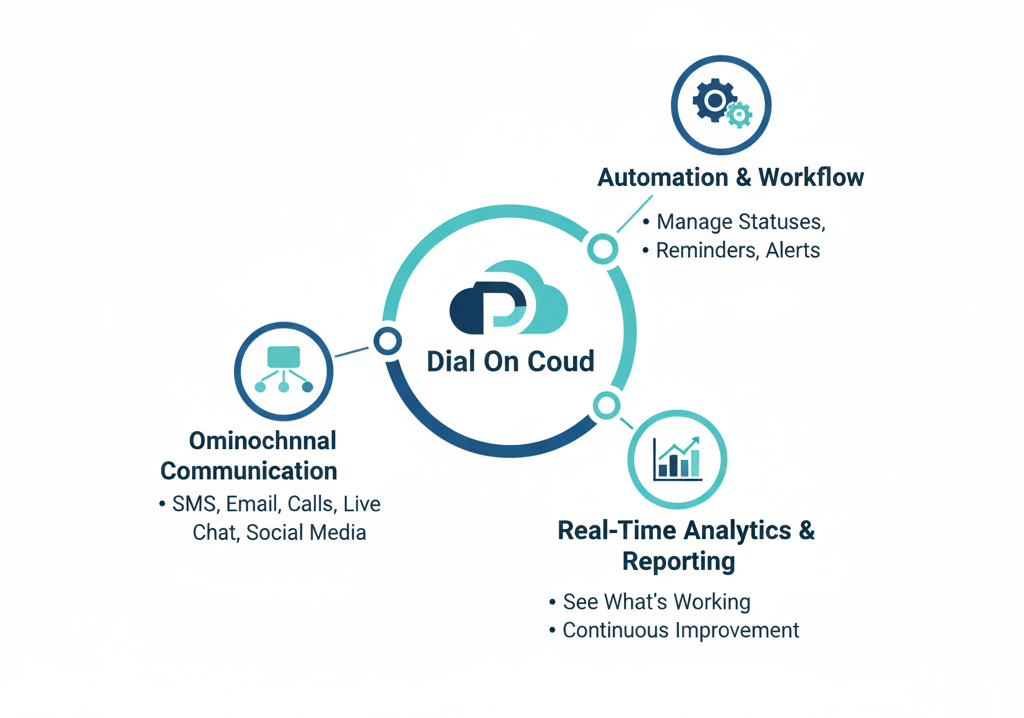
Giving customers a great experience is something every business must focus on. A Customer Engagement Centre (CEC) is like the main core where all customer conversations happen , whether it’s calls, emails, chats, or social media. To build a strong and effective CEC, Dial On Cloud provides the right
Connect your own Twilio and go live in minutes. 2 months free, no credit card required.